A burmese thai translation assistant is something you start looking for the moment you realize Google Translate is not cutting it between these two languages. Maybe you are coordinating with Burmese workers on a Thai construction site. Maybe you are a clinic in Mae Sot trying to explain a dosage schedule. Or maybe you are just trying to read a menu in Yangon and wondering why the Thai script on your phone looks nothing like what the waiter is saying. Whatever the reason, you have hit the same wall: Burmese and Thai are linguistically distant, and generic translation tools often mangle the meaning.
This guide walks you through what actually works, what fails, and how to build a workflow that gets you from “rough guess” to “clear communication” without hiring a full-time interpreter.
Quick Answer: A burmese thai translation assistant is a tool or workflow combining machine translation engines, bilingual dictionaries, and human verification to convert text or speech between Burmese and Thai. The most reliable approach pairs a dedicated MT engine with a native speaker check for anything important.
Why Burmese and Thai Translation Is Harder Than You Expect
Burmese and Thai share a border and centuries of cultural exchange, but their languages come from different families. Thai belongs to the Tai-Kadai family. Burmese sits in the Tibeto-Burman branch of Sino-Tibetan. That means grammar, word order, and tone systems work differently.
Here is what trips people up:
- Tone systems are not equivalent. Thai has five tones. Burmese has three tonal categories (low, high, creaky) plus a stopped tone. A word that sounds “close enough” to your ear can mean something entirely different.
- Script complexity. Thai uses an abugida derived from Khmer script. Burmese uses a rounded script descended from Brahmi. Neither maps cleanly to the Latin alphabet, so romanization systems often add confusion instead of clarity.
- Word order diverges. Thai generally follows Subject-Verb-Object. Burmese uses Subject-Object-Verb. A literal word-by-word translation produces nonsense in either direction.
- Register and politeness particles differ. Thai uses particles like ครับ (khrap) and ค่ะ (kha) to mark politeness and gender. Burmese uses particles like ပါ (pa) and ခင်ဗျာ (khin-bya) with different social rules. Direct translation often loses or distorts these.
The practical result: Machine translation between Burmese and Thai is measurably weaker than between, say, English and Spanish. Google’s own research on low-resource languages, including Burmese, has acknowledged that data scarcity limits model quality. Most Burmese-Thai translation goes through English as a pivot language, which compounds errors.
Pro Tip: When using any automated tool for Burmese-Thai translation, keep sentences short and avoid idioms. Break compound sentences into single clauses. This single habit improves output quality more than switching between apps.
What This Means for Your Workflow
You cannot treat Burmese-Thai translation like a solved problem. You need a layered approach: machine translation for speed, a good dictionary for verification, and human review for anything that matters. The rest of this guide shows you how to build that.

Types of Burmese Thai Translation Assistant Tools
Not all assistants are created equal. Here is a breakdown of the main categories and what each is actually good for.
Machine Translation Engines
These are the workhorses. You paste text or speak, and they return a translation in seconds.
| Tool | Burmese-Thai Direct Support | Best Use Case | Main Weakness |
|---|---|---|---|
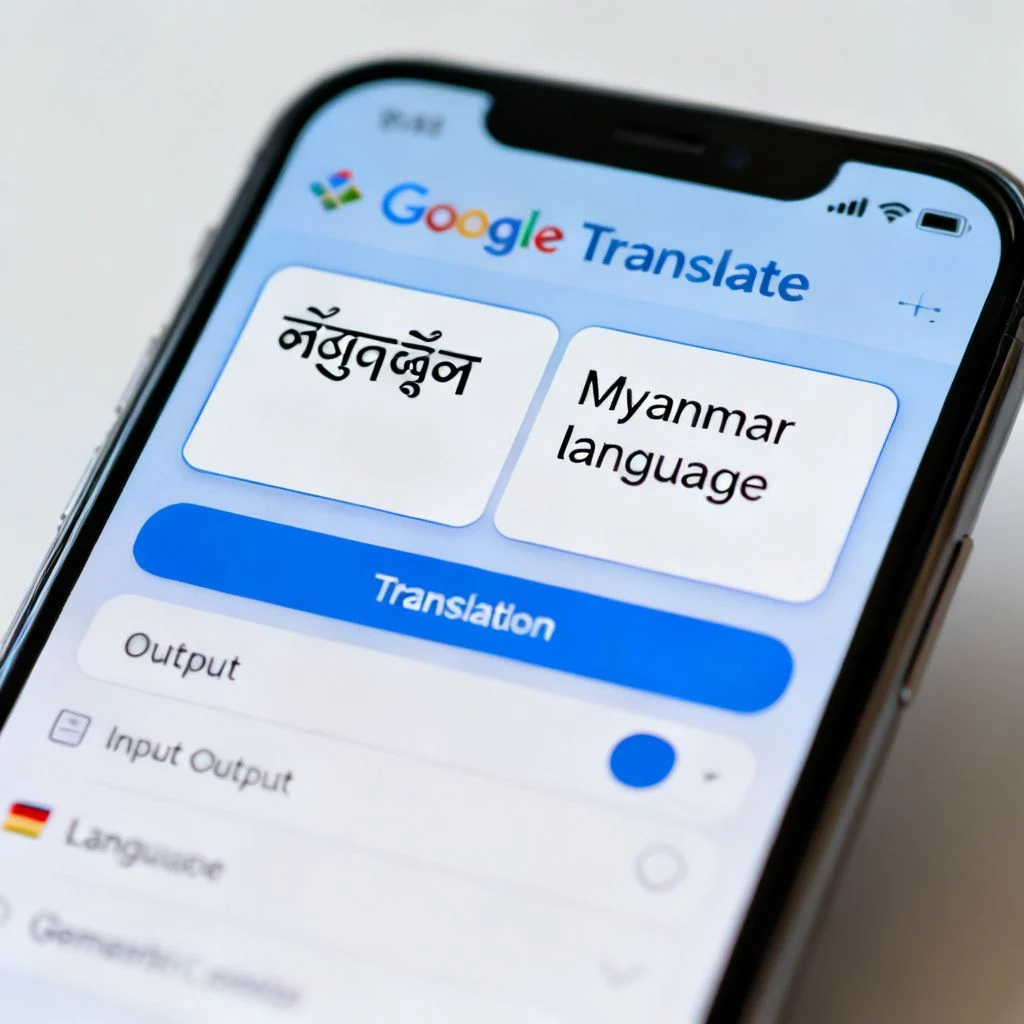
| Google Translate | Yes, but pivots through English | Casual phrases, menus, signs | Loses tone nuance, struggles with formal registers |
| Microsoft Translator | Yes, similar pivot approach | Business documents, email | Same pivot issues, limited Burmese dialect coverage |
| PaPaGo (Naver) | Limited Burmese support | Thai to Korean/English, not ideal for Burmese | Not a primary tool for this pair |
| ChatGPT / Claude | Yes, with better context handling | Longer passages, tone adjustment, explanation | Slower, requires internet, occasional hallucination |
A note on AI chatbots: Large language models often outperform traditional MT engines for Burmese-Thai translation when you provide context. You can say “Translate this medical instruction for a Burmese patient with limited education. Use simple words.” A standard MT engine cannot follow that instruction. The tradeoff is speed and reliability: LLMs sometimes add information that was not in the source text.
Bilingual Dictionary Apps
Dictionaries are your verification layer. When the MT output looks suspicious, you check individual words.
Useful options include:
- SEAlang Library Burmese Dictionary: A long-running academic project with detailed entries, etymologies, and usage notes. Not an app, but works well in a mobile browser.
- Ornagai: A community-driven Burmese-English dictionary that includes many colloquial terms missing from formal dictionaries.
- Thai2English: A solid Thai-English dictionary with example sentences, useful for checking how a Thai word is actually used in context.
The gap: There is no widely trusted Burmese-Thai dictionary app that goes direct. Almost all resources go through English. That is not ideal, but it is workable if you know the English word is reliable.
Speech-to-Speech Assistants
For conversations, you need something that handles spoken input. Google Translate’s conversation mode supports both Burmese and Thai, but the pivot through English creates noticeable lag and errors. Microsoft Translator offers a similar feature.
Real-world experience: In noisy environments like markets or construction sites, speech recognition for Burmese degrades quickly. Background noise, dialect variation, and the tonal nature of Burmese all contribute. You will get better results by having one person speak at a time, close to the phone, in short sentences.
Pro Tip: For speech-to-speech translation, position the phone between speakers at chest height, not face level. This reduces wind noise and lets both parties see the text output as a backup for misheard words.
Building a Reliable Burmese Thai Translation Workflow
The assistant is not one app. It is a process. Here is the workflow I recommend after testing various combinations in cross-border settings.
Step 1: Start with Clear, Short Source Text
Before you touch any tool, simplify what you are trying to say. Remove idioms. Remove ambiguity. If a sentence has more than one clause, split it.
Instead of: “If the pain doesn’t get better by tomorrow, you should come back and we’ll run some tests to see what’s going on.”
Write or say: “If the pain continues tomorrow, come back. We will check your health.”
This single step reduces translation errors more than any tool choice.
Step 2: Run Machine Translation with Context
Use Google Translate or an LLM. If using an LLM, provide context in your prompt: “Translate this from Thai to Burmese. This is a medical instruction for a patient. Use polite but simple language.”
Step 3: Verify Key Terms with a Dictionary
Pick out the 3-5 most important words in your source text. Check them individually in a dictionary. If the translation tool used a different word for a critical term, investigate why.
Step 4: Back-Translate
Take the Burmese output and translate it back to Thai (or English). Does it match your original meaning? If not, identify where it drifted and adjust.
Step 5: Human Check for High-Stakes Content
For medical instructions, legal documents, contracts, or anything where a mistake has real consequences, get a native speaker to review. There is no shortcut around this.
Summary: The workflow is simple: simplify, translate, verify, back-translate, and escalate to human review when stakes are high. Each step catches errors the previous one missed.
Common Mistakes and How to Avoid Them
After watching people struggle with Burmese-Thai translation for years, certain patterns keep showing up. Here are the big ones.
Mistake 1: Trusting MT Output for Formal Documents
Machine translation does not understand legal or medical liability. A Burmese worker reading a poorly translated safety instruction might nod politely and then do the wrong thing. A Thai hospital reading a mistranslated Burmese medical history might miss a critical allergy.
The fix: Treat MT output as a draft, never a final product, for anything formal. Budget for human review.
Mistake 2: Ignoring Dialect Differences
Burmese has regional dialects. The Burmese spoken in Yangon differs from what you hear in Shan State or among ethnic minority communities along the Thai border. Many Burmese speakers in Thailand are from Mon, Karen, or Shan backgrounds, and Burmese may be their second or third language.
The fix: Ask which language the person is most comfortable with. If they prefer Karen or Shan over Burmese, find a different tool or interpreter.
Mistake 3: Using Romanization as a Bridge
Romanized Burmese and romanized Thai look deceptively similar to an English speaker. But the romanization systems are not standardized, and tone markers often get dropped. You will see “ka” for at least three different Burmese words and five different Thai words.
The fix: Work in native scripts whenever possible. If you must romanize, use a consistent system and verify with a native speaker.
Pro Tip: When saving translated phrases for reuse, always store them in native script plus a romanized version plus an English gloss. The romanization helps you pronounce it. The native script is what the other person actually reads.
Mistake 4: Translating Cultural Concepts Literally
Burmese and Thai cultures share Buddhist roots, but social hierarchies and politeness norms differ. A direct translation of “please sit down” might come across as rude in Burmese if the politeness particle is missing or wrong.
The fix: Learn the basic politeness particles in both languages. In Thai, adding ครับ or ค่ะ at the end of a sentence signals respect. In Burmese, ပါ (pa) softens requests. When using an LLM, explicitly ask for polite forms.
Summary: Most Burmese-Thai translation failures come from over-trusting automation, ignoring dialect and script issues, and treating cultural politeness as optional. Awareness of these patterns prevents most serious errors.
Key Takeaways
- A burmese thai translation assistant is best understood as a workflow, not a single app. Machine translation, dictionary verification, and human review each play a role.
- Burmese and Thai have different grammatical structures, tone systems, and scripts. Direct translation without a pivot language is rare, and the English pivot introduces its own errors.
- Simplify source text before translating. Short, single-clause sentences with no idioms produce dramatically better results from every tool.
- Verify critical terms individually using bilingual dictionaries. Never trust MT output for medical, legal, or safety content without human review.
- Consider dialect and language preference. Many Burmese speakers in Thailand are more comfortable in Karen, Shan, or Mon than in standard Burmese.
Frequently Asked Questions
Q: Is there a direct Burmese to Thai translation app?
A: No widely used app translates directly between Burmese and Thai without going through English. Google Translate and Microsoft Translator both support the pair, but they use English as a pivot language, which can introduce errors. For higher accuracy, some users report better results using ChatGPT or Claude with explicit context instructions.
Q: How accurate is Google Translate for Burmese to Thai?
A: Accuracy is moderate at best. For simple, short sentences about everyday topics, Google Translate can be serviceable. For anything involving tone, politeness, technical vocabulary, or complex grammar, errors are common. Google’s own documentation acknowledges that low-resource language pairs like Burmese-Thai perform below average compared to high-resource pairs like English-Spanish.
Q: Can I use my phone to have a live conversation between Burmese and Thai speakers?
A: Yes, with limitations. Google Translate’s conversation mode and Microsoft Translator’s speech feature both support Burmese and Thai. However, speech recognition for Burmese degrades in noisy environments, and the English pivot adds lag. Speak one sentence at a time, keep the phone close, and use the text output as a backup.
Q: What is the best free Burmese Thai translation assistant?
A: For casual use, Google Translate is the most accessible free option. For better contextual translation, free tiers of ChatGPT or Claude often outperform traditional MT engines when you provide clear instructions about tone and audience. For dictionary lookup, SEAlang and Ornagai are free and reliable.
Q: Why does Burmese to Thai translation fail so often?
A: Three main reasons. First, the languages have different word orders (Burmese is Subject-Object-Verb, Thai is Subject-Verb-Object). Second, both are tonal languages but with different tone systems, so phonetic similarity does not guarantee meaning. Third, most translation tools pivot through English, which strips out nuance from both source and target languages.
Q: How do I translate a medical document from Burmese to Thai?
A: Do not rely on machine translation alone. Use an MT engine or LLM for a first draft, verify all medication names, dosages, and medical terms against a bilingual dictionary or trusted source, then have a native speaker with medical knowledge review the final version. For medical content, errors can be life-threatening, so human verification is non-negotiable.
Q: Are there Burmese Thai translation assistants that work offline?
A: Google Translate offers offline language packs for both Burmese and Thai, though offline quality for this pair is generally lower than online. Microsoft Translator also supports offline packs for some languages. For offline dictionary use, apps like Ornagai (Burmese-English) work without internet if you download the database in advance.
Q: What is the difference between a translation assistant and an interpreter?
A: A translation assistant is a tool or workflow for converting written or spoken text. An interpreter is a human who facilitates live conversation. For high-stakes situations like medical appointments, legal proceedings, or negotiations, an interpreter is always preferable. Translation assistants work best for everyday communication, document drafts, and situations where an interpreter is unavailable or too expensive.
References & Further Reading
- Google Translate Languages – Official list of supported languages and features for Burmese and Thai
- SEAlang Library Burmese Dictionary – Academic bilingual dictionary with detailed entries and usage notes
- Ethnologue: Burmese – Language family classification, dialect information, and speaker statistics
- Ethnologue: Thai – Language family classification and regional usage data
- Ornagai Burmese Dictionary – Community-driven Burmese-English dictionary with colloquial terms
—
About This Article: This guide draws on practical experience working with Burmese-Thai translation in cross-border contexts, including healthcare communication, construction site coordination, and everyday conversation. The recommendations reflect testing across multiple machine translation engines, dictionary resources, and AI language models, combined with feedback from native speakers of both languages. No tool can replace human judgment for high-stakes translation, but the right workflow makes everyday communication dramatically easier.



Pingback: Burmese Thai Translation Assistant: A Practical Guide…
Pingback: English and Myanmar: A Practical Guide to Translating…
Pingback: How to Translate From English to Myanmar: A Complete Guide