When you type English translate to Myanmar into a search bar, you usually need more than a word-for-word swap. Burmese has a different script, a different sentence order, and a formality system that English does not use. This guide walks you through the tools, the common mistakes, and a repeatable process for getting a translation that actually sounds like natural Burmese.
Quick Answer: Use Google Translate or Microsoft Translator for a fast first draft, then fix the grammar and formality manually. For business, legal, or medical content, pair a machine translation with a native Burmese speaker who can correct tone and script encoding.
Why English to Myanmar Translation Is Harder Than It Looks
Burmese is the official language of Myanmar, and according to Ethnologue, it has roughly 33 million native speakers. That sounds like a straightforward language to translate into. The hard part is that English and Burmese do not line up in several important ways.
Here are the main friction points:
- Script and encoding: Burmese uses the Myanmar script. Older devices often use Zawgyi, a non-standard font. Unicode is the international standard. Sending the wrong encoding can turn clean text into boxes or gibberish.
- Word order: Burmese usually follows a subject-object-verb order. An English sentence like “I eat rice” becomes “I rice eat” in Burmese.
- Formality levels: Pronouns in Burmese change based on age, gender, social rank, and familiarity. A direct translation can sound rude to older people.
- Word spacing: Burmese uses spaces between phrases, not individual words. Machine tools sometimes break terms in strange places.
Pro Tip: Before translating anything into Burmese, ask which encoding the recipient uses. Sending Unicode to a Zawgyi user is the most common reason Myanmar text shows up as empty boxes.
These four issues explain why a single click rarely gives you a ready-to-send sentence. Once you know them, you can choose the right tool and fix its output.
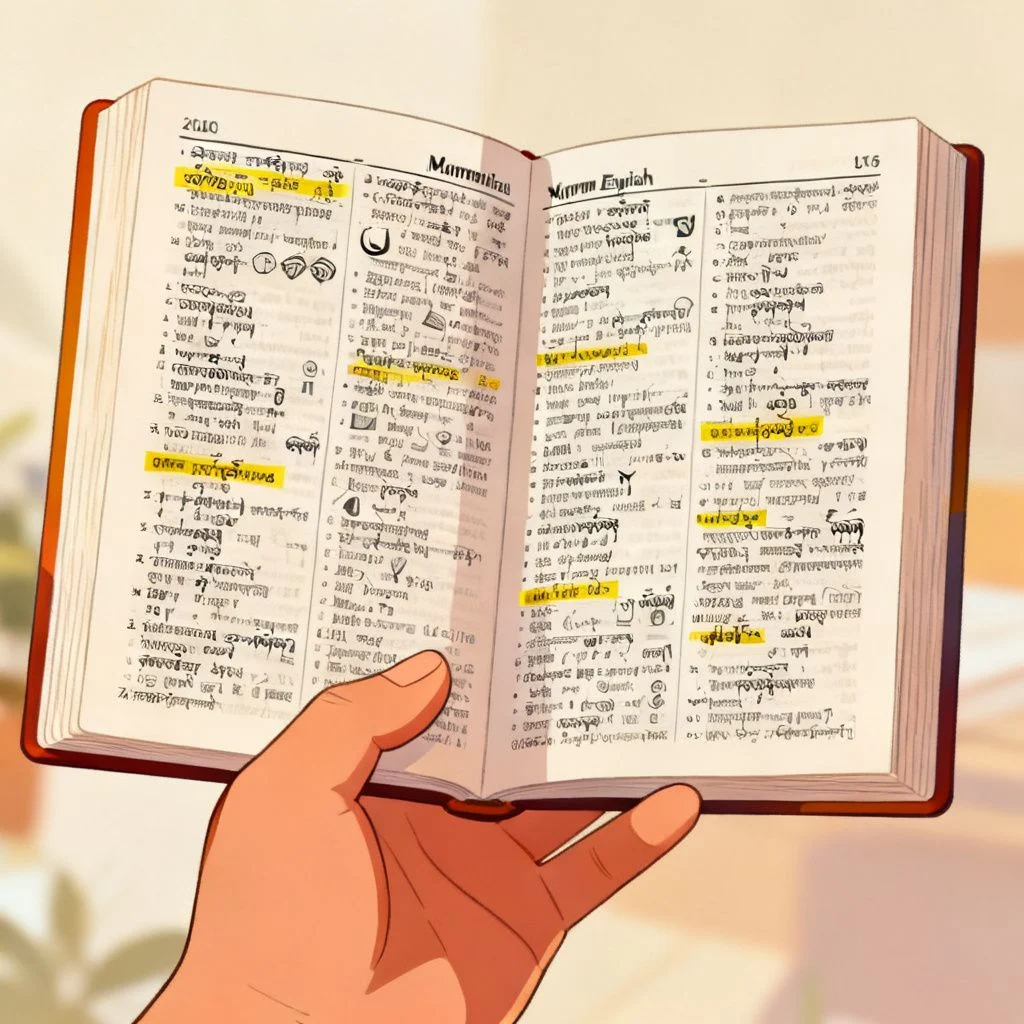
Best Tools for English Translate to Myanmar
No single tool is perfect for every situation. The right choice depends on what you are translating and who will read it.
| Tool | Best for | Strength | Weakness |
|---|---|---|---|
| Google Translate | Quick messages, voice input | Fast, large phrase database | Can sound literal or overly formal |
| Microsoft Translator | Business email, Teams and Office | Cleaner professional phrasing | Slightly slower with rare terms |
| AI chat assistants | Natural-sounding paragraphs | Good at context and tone | Can hallucinate rare or technical words |
| Human translator | Legal, medical, official documents | Highest accuracy and cultural fit | Costs more and takes longer |
For most everyday tasks, the workflow looks like this:
- For a two-line chat, Google Translate is enough.
- For an email to a colleague, Microsoft Translator gives cleaner business tone.
- For a public post or contract, use a human editor after machine translation.
Pro Tip: Run the final Burmese text back through the tool in reverse, from Burmese to English. If the back-translation looks different from your original, you found a section that needs editing.
Choosing the tool is only the first step. What matters more is how you clean up the first draft.
Step-by-Step: English Translate to Myanmar Workflow
This process helps you avoid the most common errors, especially if you do not speak Burmese fluently.
- Identify the context and audience. A message to a friend needs casual tone. A letter to an elder needs respectful pronouns.
- Run the English text through one machine translation tool. Get a rough draft quickly.
- Check the verb position. Move the verb to the end of the sentence if it is not already there.
- Fix pronouns and honorifics. Adjust for age, gender, and social distance. When in doubt, choose the more respectful form.
- Verify names and technical terms. Keep proper nouns in English alongside the Burmese rendering if the reader may know both.
- Do a back-translation. Translate the Burmese back into English and compare the meaning with your original.
Pro Tip: For names of people and places, keep the original English spelling in parentheses. Many Burmese readers can read both scripts, and it prevents confusion.
This six-step routine turns a rough machine output into something a real person can use.
Common English to Myanmar Translation Mistakes
Most bad Burmese translations come from the same set of problems. Spotting them early saves you from embarrassment.
- Translating idioms word for word. Phrases like “it’s raining cats and dogs” have no direct Burmese equivalent.
- Ignoring gender and age in pronouns. Using the wrong second-person pronoun can sound disrespectful.
- Mixing Zawgyi and Unicode in one document. This makes text unreliable across different apps and devices.
- Keeping English sentence order. The subject-object-verb structure matters.
- Using overly formal written Burmese for casual chat. It can sound stiff and unnatural.
Pro Tip: If the message will be read publicly, ask a native Burmese speaker to flag anything that sounds unnatural. A five-minute check is cheaper than a public misunderstanding.
Recognizing these patterns helps you self-correct, even with limited Burmese knowledge.
Key Takeaways
- English translate to Myanmar requires more than word replacement because of script, grammar, and formality.
- Use machine translation for first drafts, then fix word order and pronouns.
- Confirm the recipient’s font encoding before sending Burmese text.
- Reverse translation catches many silent errors.
- Professional, legal, or medical content should include a native Burmese editor.
These five points are the core of reliable translation work. Keep them close.
Frequently Asked Questions
Q: What is the best English translate to Myanmar tool?
A: Google Translate is the fastest free option for everyday messages. Microsoft Translator is often better for business tone. For important documents, a human translator is still the most reliable choice.
Q: Is Google Translate accurate for Burmese?
A: It is good for simple sentences and general meaning. It can struggle with idioms, polite forms, and technical terms, so always review the output.
Q: How do I type Burmese on my phone?
A: Add the Myanmar Unicode keyboard in your phone settings. On Android or iPhone, go to language settings and enable the Myanmar keyboard. Avoid old Zawgyi keyboards for new content.
Q: Why does Burmese text show as boxes or squares?
A: This is usually an encoding mismatch. The text was likely typed in Zawgyi but displayed with Unicode, or the other way around. Convert the text or ask the sender to re-save it in Unicode.
Q: Can I translate English to Myanmar offline?
A: Yes. The Google Translate app and Microsoft Translator app both allow you to download the Burmese language pack for offline use. The offline quality is slightly lower but still helpful.
Q: Does Burmese have formal and informal pronouns?
A: Yes. Burmese pronouns change based on age, gender, social status, and familiarity. Choosing the wrong pronoun can make a sentence sound too direct or disrespectful.
Q: How do I translate a PDF from English to Myanmar?
A: Copy the text into a plain text file first, then run it through Google Translate or Microsoft Translator. After translation, paste the Burmese text into a Unicode-compatible document and format it manually.
Q: Should I use Zawgyi or Unicode?
A: Use Unicode. It is the international standard and works across modern browsers, phones, and official documents. Zawgyi is still common in older files but causes compatibility problems.
References & Further Reading
- Ethnologue: Burmese language profile
- Unicode Consortium: Writing Systems and Unicode
- Google Translate official page
- Microsoft Translator official page
About This Article: Written by the editorial team with input from Burmese-speaking localization reviewers. This guide is maintained to reflect current translation tools and font encoding standards.