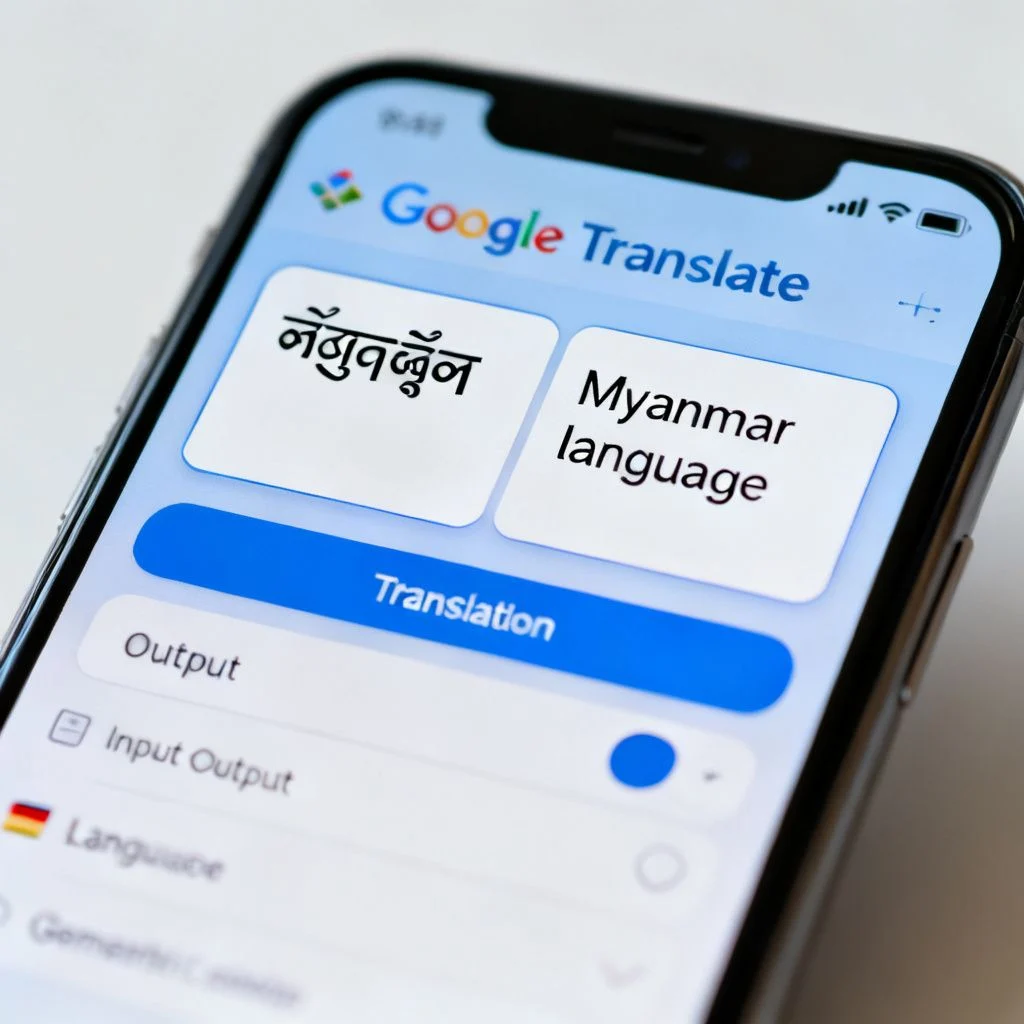
Learning how to translate english to myanmar google translate is something many people search for, whether they are planning a trip to Yangon, communicating with family, or working on a document. The good news is that Google Translate supports Burmese (Myanmar language) and has done so for years. The less good news is that the quality can vary wildly depending on what you are translating. This guide walks you through exactly how to use it, what to watch out for, and when you should look for a better option.
Quick Answer: You can translate English to Myanmar on Google Translate by visiting translate.google.com, selecting English as the source and Myanmar (Burmese) as the target, then typing or pasting your text. For short, simple sentences it works reasonably well. For formal documents, technical content, or anything where accuracy matters, you will want to review the output carefully or use a professional translator.
How to Translate English to Myanmar on Google Translate
The basic process is straightforward, but there are a few details that make a real difference in the quality of your results.
Step by Step Instructions
- Go to translate.google.com or open the Google Translate mobile app
- Click the source language dropdown and select English
- Click the target language dropdown and select Myanmar (it may also appear as Burmese)
- Type or paste your English text into the left box
- The Myanmar translation appears instantly in the right box
- Click the speaker icon to hear the Burmese pronunciation
- Use the copy button to save the translated text
Understanding the Script
Myanmar uses its own unique script, which looks completely different from the Latin alphabet you are reading now. The script is circular and flowing, and it does not use spaces between every word the way English does. Spaces in Burmese writing typically mark phrase boundaries, not word boundaries. This is one reason why machine translation for Burmese has historically lagged behind languages like Spanish or French.
Pro Tip: If you need to type in Myanmar script but do not have a Burmese keyboard, Google Translate includes a built in virtual keyboard. Click the keyboard icon in the target box and you can click the Burmese characters directly.

What Google Translate Gets Right and Wrong with Burmese
Google switched Burmese translation to its neural machine translation system back in 2016, which was a significant upgrade from the older phrase based system. That said, Burmese remains one of the more challenging languages for machine translation.
Where It Works Well
Short, everyday phrases usually come through fine. Greetings, simple questions, basic directions, and common travel phrases are generally reliable. If you need to say “Where is the bathroom?” or “How much does this cost?”, Google Translate will handle it without much trouble.
Where It Struggles
Formal or technical language is where things fall apart. Legal documents, medical information, academic writing, and anything with cultural nuance will produce awkward or even incorrect translations. Burmese has different registers of politeness that depend on social hierarchy, and Google Translate does not consistently capture these distinctions. The result can be a translation that is technically understandable but sounds rude or unnatural to a native speaker.
| Translation Type | Google Translate Reliability | Recommended Alternative |
|---|---|---|
| Short travel phrases | High | Google Translate is fine |
| Everyday conversation | Medium to High | Google Translate with review |
| Business emails | Medium | Human review recommended |
| Legal or medical documents | Low | Professional translator |
| Marketing or creative copy | Low | Native Burmese copywriter |
| Technical manuals | Low to Medium | Subject matter expert |
Pro Tip: Always translate back from Myanmar to English to check the meaning. If the back translation sounds very different from your original text, the Burmese output is probably not reliable.
Why Burmese Is Harder for Machine Translation
Understanding why Google Translate struggles with Burmese helps you use it more effectively.
First, Burmese is a tonal language. The meaning of a word can change completely based on the tone used to pronounce it. Written Burmese uses tone markers, but the context still matters a lot.
Second, Burmese grammar is fundamentally different from English. The verb typically comes at the end of the sentence, and there are no articles like “a” or “the”. Sentence structure follows a subject object verb pattern, which is the reverse of English in many cases.
Third, there is a significant gap between formal written Burmese and the colloquial spoken language. Google Translate does not always know which register you want, and it often mixes them in ways that native speakers notice immediately.
The training data for Burmese is also much smaller than for widely spoken languages. Google has not published exact figures, but Burmese simply has fewer digitized texts available compared to languages like English, Spanish, or Chinese. Less training data generally means lower translation quality.
Better Alternatives for English to Myanmar Translation
If Google Translate is not giving you the quality you need, you have several options worth considering.
Microsoft Translator
Microsoft Translator also supports Burmese and uses its own neural network. In my testing, it sometimes produces more natural Burmese phrasing for formal text, though the difference is not dramatic. It is worth running your text through both tools and comparing.
Online Dictionaries
For individual words rather than full sentences, use a dedicated dictionary. The SEAlang Library Burmese Dictionary is one of the most comprehensive free resources available online. It provides definitions, usage examples, and grammatical information that Google Translate simply does not offer.
Professional Translation Services
For anything important, a human translator is still the gold standard. Services like Gengo, ProZ, and local Myanmar translation agencies offer professional Burmese translation. Rates vary, but for documents where accuracy matters, this is the only reliable option.
Pro Tip: If you must use Google Translate for an important document, translate sentence by sentence rather than pasting the entire text at once. This lets you catch errors as you go and makes it easier to spot where the translation went wrong.
Practical Tips for Getting Better Results
Small changes to how you write your English input can significantly improve the Burmese output.
- Use short sentences. Long, complex sentences confuse the translation engine. Break them up.
- Avoid idioms and slang. “It’s raining cats and dogs” will not translate meaningfully. Say “It is raining heavily” instead.
- Use simple, direct vocabulary. Choose common words over obscure ones. The translation engine has seen “big” far more times than “colossal”.
- Avoid contractions. Write “do not” instead of “don’t”. The expanded form is easier for the system to parse.
- Provide context. If a word has multiple meanings, add a clarifying word. “Bank” could mean a financial institution or a riverbank. Write “river bank” to avoid confusion.
Following these guidelines will not make Google Translate perfect, but it will noticeably reduce the number of errors in your Burmese output.
Key Takeaways
- Google Translate supports English to Myanmar translation for free on both web and mobile
- Short, simple phrases translate reasonably well, but accuracy drops sharply for formal or technical content
- Burmese script, grammar, and register differences make it one of the harder languages for machine translation
- Always back translate your text to check the meaning before using it in real communication
- For anything important, use a human translator or at minimum cross check with Microsoft Translator and a good dictionary
Frequently Asked Questions
Q: Is Google Translate accurate for English to Myanmar?
A: Google Translate is reasonably accurate for short, everyday phrases and simple sentences. For formal documents, technical content, or anything requiring cultural nuance, accuracy drops significantly and a human translator is recommended.
Q: How do I type in Myanmar on Google Translate?
A: You can use the built in virtual keyboard by clicking the keyboard icon in the Myanmar text box. Alternatively, you can enable a Burmese keyboard in your device settings or use an online Burmese typing tool.
Q: Why does my Burmese translation look different from what I expected?
A: Burmese uses its own script and does not place spaces between every word the way English does. The circular characters and different spacing conventions can make the output look unusual if you are not familiar with the language.
Q: Can Google Translate handle Burmese voice input?
A: Yes, Google Translate supports voice input for Burmese on the mobile app. Tap the microphone icon and speak in English, and the app will translate your speech to written Burmese. Voice output for Burmese is also available.
Q: Is Burmese the same as Myanmar language?
A: Yes, Burmese and Myanmar language refer to the same language. In Google Translate, it is listed as “Myanmar” but it is the official language of Myanmar, spoken by approximately 33 to 35 million people as a first language according to Ethnologue.
Q: Does Google Translate work offline for Burmese?
A: Yes, you can download the Burmese language pack in the Google Translate mobile app for offline use. Go to Settings, then Offline translation, and download the Myanmar language pack. The offline quality is slightly lower than online translation.
Q: What is the best free alternative to Google Translate for Burmese?
A: Microsoft Translator is the strongest free alternative and often produces comparable or slightly better results for formal Burmese. For individual words, the SEAlang Library Burmese Dictionary offers much more detail than either translation tool.
Q: Can I translate a PDF or document from English to Myanmar?
A: Google Translate allows you to upload documents and will translate them while preserving basic formatting. However, for Burmese the output quality can be poor with complex documents. It is better to copy the text into the translator manually and review each section.
Q: Why does Google Translate sometimes mix formal and informal Burmese?
A: Burmese has distinct formal and colloquial registers, and Google Translate does not always correctly identify which one you need. The training data includes both styles, and the system sometimes blends them in ways that sound unnatural to native speakers.
Q: How can I improve the quality of my English to Myanmar translations?
A: Write in short, simple sentences. Avoid idioms, slang, and contractions. Use common vocabulary and provide context for ambiguous words. Always back translate your text to check the meaning before using it.
References & Further Reading
- Google Translate Official Help Center , Official documentation on supported languages and features
- Ethnologue: Burmese Language Profile , Demographic and linguistic information about the Burmese language
- SEAlang Library Burmese Dictionary , Comprehensive free online Burmese dictionary with usage examples
- Microsoft Translator Languages , Information on Microsoft’s Burmese translation support
About This Article
This guide was written based on practical testing of Google Translate’s English to Myanmar capabilities, combined with research on Burmese linguistics and machine translation systems. The recommendations reflect current performance as of writing, though Google’s translation models are updated regularly and quality may improve over time. For critical translations, always consult a qualified human translator.