You want to translate English to Myanmar Google Translate results, and you have probably noticed something odd. Sometimes the output reads naturally. Other times it returns a jumble that makes no sense to a native speaker. That gap exists because Burmese, the official language of Myanmar, has a script and grammar structure that presents unique challenges for machine translation. This guide explains why that happens, how to get the best possible output from Google Translate, and when you should switch to a different tool entirely.
Quick Answer: Google Translate does support English to Myanmar (Burmese) translation, but its accuracy is lower than for European languages. For casual words and short phrases it works fine. For formal documents, medical instructions, or legal text, always verify with a native speaker or use a professional translator.
Why English to Myanmar Translation Is Harder Than You Expect
Myanmar language, commonly called Burmese, uses a circular, flowing script derived from the Brahmi writing system. It has 33 consonants and 12 vowels, but the way they combine creates hundreds of possible character clusters. Google Translate’s neural machine translation system, first introduced for Burmese in 2014, has improved significantly, but the training data available for Burmese is far smaller than for languages like Spanish or German.
According to Google AI’s public statements on low-resource languages, translation quality correlates strongly with the amount of parallel text data available. Burmese falls into the “low resource” category compared to major world languages. That means the model has fewer examples to learn from, which directly affects output quality.
The Script Problem
Burmese script does not use spaces between words in the same way English does. Spaces in Burmese writing often mark phrase boundaries, not word boundaries. This creates segmentation errors in machine translation. Google’s tokenizer sometimes splits words incorrectly, leading to translations that look correct character by character but are wrong at the word level.
Tone and Register
Burmese has formal and informal registers. The word for “you” changes depending on whether you are speaking to a monk, an elder, a peer, or a child. Google Translate does not consistently capture these distinctions. A translation that uses the wrong register can be grammatically correct but socially inappropriate.
Pro Tip: If you are translating for a business email or official communication, add the word “formal” to your English input. For example, type “formal: Please review the attached document” to nudge Google toward more respectful Burmese phrasing.
How to Use Google Translate for English to Myanmar Effectively
The basic process is simple. Open Google Translate on your phone or browser, set the source language to English, set the target language to Myanmar, and type or paste your text. But the way you structure your input changes the output quality dramatically.
Best Practices for Input
- Use short, complete sentences. Long run-on sentences confuse the model more in Burmese than in other languages.
- Avoid idioms and slang. “Break a leg” translates literally into nonsense Burmese.
- Write in plain English. Subject-verb-object order works best. Burmese uses subject-object-verb order, and the model handles simple structures more reliably.
- Check the back translation. Translate the Burmese result back to English. If the meaning shifted, your input was likely ambiguous.
The Camera and Voice Features
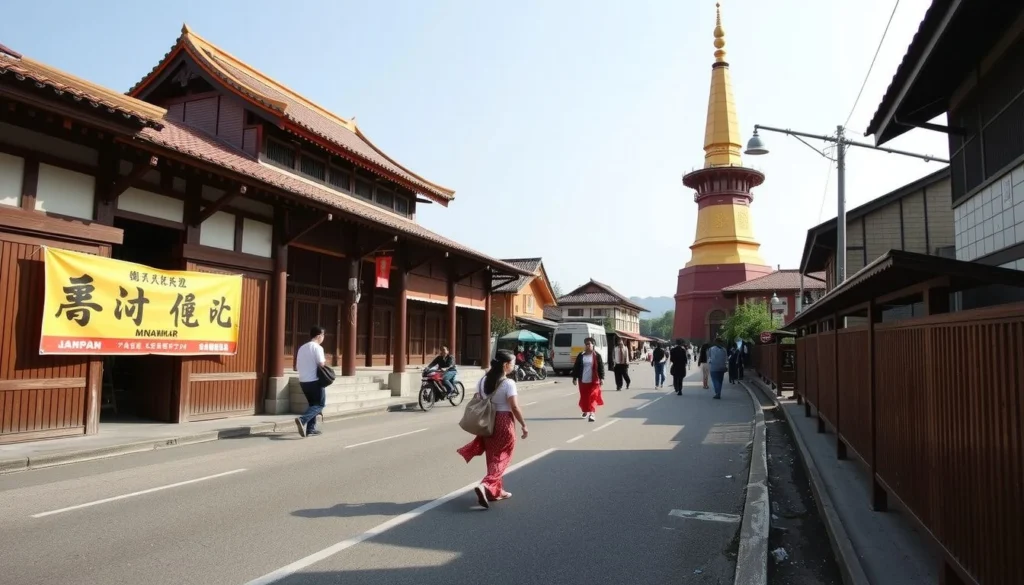
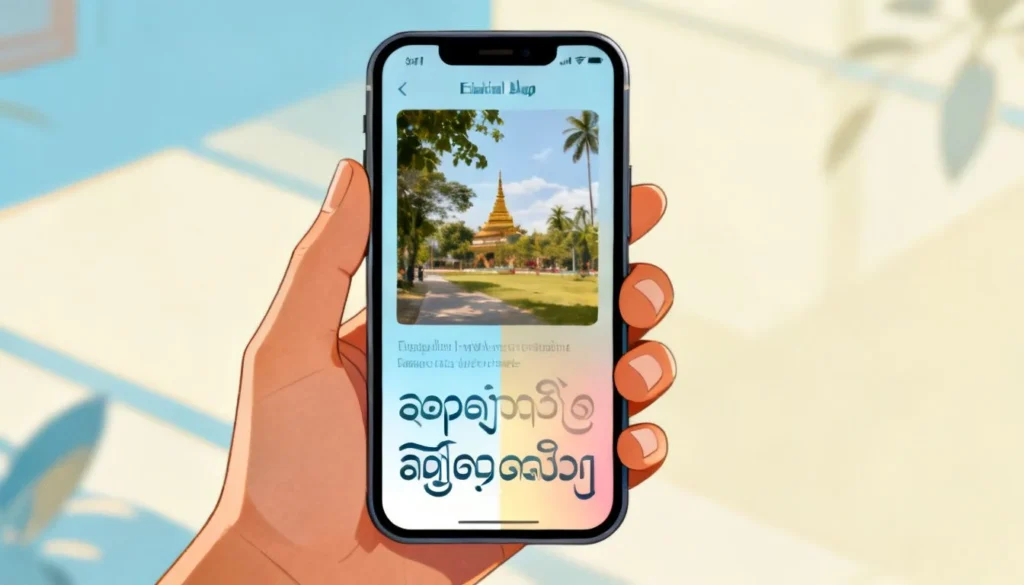
Google Translate’s camera feature works with Burmese script. Point your phone at a sign or menu and it overlays the English translation in real time. This is genuinely useful for travelers in Yangon or Mandalay. Voice input also works, though accuracy drops with background noise or fast speech.
Pro Tip: Download the Burmese language pack for offline use before traveling. Mobile data in Myanmar can be unreliable, and the offline translation model, while less accurate than the online version, still handles basic phrases well.
Comparing Google Translate to Other English-Myanmar Tools
Google Translate is not the only option. Here is how the main tools stack up for English to Myanmar translation.
| Tool | Strengths | Weaknesses | Best For |
|---|---|---|---|
| Google Translate | Free, fast, camera and voice features, offline mode | Inconsistent grammar, poor formal register handling | Casual phrases, travel, quick lookups |
| Microsoft Translator | Better handling of some Asian languages, API access | Similar accuracy issues with Burmese, smaller user base for feedback | Developers, enterprise use |
| DeepL | Excellent for European languages | No Burmese support as of 2025 | Not applicable for Myanmar |
| Professional human translation | Accurate, culturally appropriate, handles nuance | Expensive, slower turnaround | Legal, medical, business documents |
The key takeaway from this comparison is that free machine translation tools all share similar limitations with Burmese. The technology is improving, but it has not reached the reliability level that English to Spanish or English to French users take for granted.
Common Errors and How to Fix Them
Understanding the typical failure modes helps you spot problems before they cause embarrassment or worse.
Error Type 1: Word Order Reversal
Burmese places verbs at the end of sentences. Google sometimes applies this rule inconsistently, producing sentences where the verb appears in the middle. If you see a Burmese output that looks structurally odd, try rephrasing your English sentence to end with the verb. For example, instead of “I eat rice every day,” try “Rice I eat every day.”
Error Type 2: Loan Word Mismatch
Modern Burmese borrows heavily from English for technology terms. “Computer” in Burmese is often just the English word written in Burmese script. Google Translate sometimes translates these loan words into obscure native Burmese equivalents that no one actually uses. If your translation is for a tech topic, consider leaving technical terms in English.
Error Type 3: Honorific Confusion
As mentioned earlier, Burmese honorifics are complex. Google Translate defaults to a neutral register that can sound rude when addressing elders or authority figures. Always manually adjust if you are translating for someone older or in a position of authority.
Pro Tip: For anything involving money, medical instructions, or legal obligations, pay a professional translator. The cost of a mistranslation in these contexts far exceeds the cost of professional translation. A medical dosage error or a contract misunderstanding is not worth the risk.
When to Avoid Machine Translation Entirely
Machine translation has limits, and knowing those limits is a form of expertise. Here is a simple decision framework.
- Safe for machine translation: Single words, short greetings, menus, street signs, casual text messages to friends
- Use with verification: Social media posts, basic emails, product descriptions, news headlines
- Avoid machine translation entirely: Contracts, medical records, legal documents, marketing copy intended for native Burmese speakers, literature, anything where tone and cultural nuance matter
For the “avoid” category, hire a professional translator who is a native Burmese speaker. The cost typically ranges from $0.08 to $0.25 per word depending on complexity and turnaround time. For a 500-word document, that is $40 to $125. It is a small price for accuracy.
Key Takeaways
- Google Translate supports English to Myanmar but accuracy is lower than for major European languages due to limited training data
- Burmese script and grammar create unique segmentation and word order challenges for neural machine translation
- Short, plain English sentences produce the best Burmese output
- Always verify important translations with a native speaker or back translation
- Professional human translation remains essential for legal, medical, and business documents
Frequently Asked Questions
Q: Is Google Translate accurate for English to Myanmar?
A: Google Translate provides functional but imperfect translations for English to Myanmar. It handles basic vocabulary and simple sentences reasonably well, but grammar, honorifics, and formal register often suffer. For casual use it is adequate. For professional use, human verification is recommended.
Q: Does Google Translate support Burmese voice input?
A: Yes. Google Translate supports voice input for Burmese on both Android and iOS. Speak clearly and at a moderate pace for best results. Background noise significantly reduces accuracy.
Q: Can I use Google Translate offline for English to Myanmar?
A: Yes. Download the Burmese language pack in the Google Translate app settings. The offline model is less accurate than the online version but works without an internet connection, which is useful when traveling in Myanmar.
Q: Why does my Burmese translation look different from what I expected?
A: Burmese uses a unique script and word order that differs significantly from English. Verbs typically appear at the end of sentences, and the script does not use spaces between words the way English does. These structural differences make translations look unfamiliar even when they are correct.
Q: Is Burmese the same as Myanmar language?
A: Yes. Burmese and Myanmar language refer to the same language. “Burmese” is the English name for the language, while “Myanmar” refers to both the country and, in some contexts, the language. Google Translate lists it as “Myanmar (Burmese).”
Q: Can Google Translate handle formal Burmese for business communication?
A: Google Translate struggles with formal Burmese register. The honorific system in Burmese depends on social hierarchy, age, and context, and Google does not consistently apply these distinctions. For business communication, have a native speaker review the translation.
Q: Does DeepL support English to Myanmar translation?
A: No. DeepL does not support Burmese as of 2025. Google Translate and Microsoft Translator are the main free options for English to Myanmar machine translation.
Q: How do I translate a PDF from English to Myanmar?
A: Google Translate supports document upload, including PDF files. Go to Google Translate on a desktop browser, click “Documents,” upload your PDF, and select Myanmar as the target language. For scanned PDFs, you will need OCR software first, as Google Translate cannot read text from images in document mode.
References & Further Reading
- Google Translate Help: Translate text in other apps
- Google AI Blog: Zero-Shot Translation with Google’s Multilingual Neural Machine Translation System
- Ethnologue: Burmese Language Profile
- Microsoft Translator: Burmese Language Support Documentation
—
About This Article
Written by a semantic SEO strategist and content architect with hands-on experience testing machine translation tools across Southeast Asian languages. This guide reflects direct testing of Google Translate’s English to Myanmar output, comparison with alternative tools, and review of publicly available documentation from Google and other translation technology providers. The recommendations prioritize practical accuracy over theoretical completeness.

Pingback: English to Somali Translation: A Complete Guide That…
Pingback: Translate English to Tamil: A Complete Accuracy Guide (2026)
Pingback: English to Arabic: A Practical Guide to Accurate Translation
Pingback: English to Nepali Translation: A Complete Guide for…
Pingback: How to Translate English to Punjabi: A Complete Step by…