If you need to translate english to myanmar zawgyi font, you have likely hit a wall with standard translation tools. Google Translate does a decent job with Burmese, but it outputs Unicode. Your target audience, possibly older Android users or people reading content on specific apps, sees boxes or gibberish. They need Zawgyi, not Unicode. This guide solves that specific problem with a clear, step by step workflow.
Quick Answer: Use Google Translate or a dedicated Burmese dictionary to get the Unicode text first. Then paste that text into a free converter like the Rabbit Converter or the Zawgyi Unicode Converter to flip it into Zawgyi font instantly.
Why Zawgyi Font Still Matters
Burmese script on computers has a messy history. Unicode is the global standard, supported by every modern operating system. Zawgyi is a non-standard font that became wildly popular in Myanmar before Unicode support was widespread. Millions of people installed Zawgyi on their phones and computers. They still use it.
The practical problem is simple. A message typed in Zawgyi looks like broken nonsense in Unicode, and vice versa. If you are communicating with someone in Myanmar who uses an older phone, or if you are posting content to a Facebook group that still uses Zawgyi encoding, you must convert your text.
The key difference: Zawgyi font renders Burmese characters using different code points than Unicode. This is why a direct “font change” in a word processor does not work. You are not just changing the visual style. You are changing the underlying data.
Pro Tip: If you are designing a website or app for a Myanmar audience, always store your data in Unicode. Use Zawgyi only for export, display, or specific legacy device compatibility.
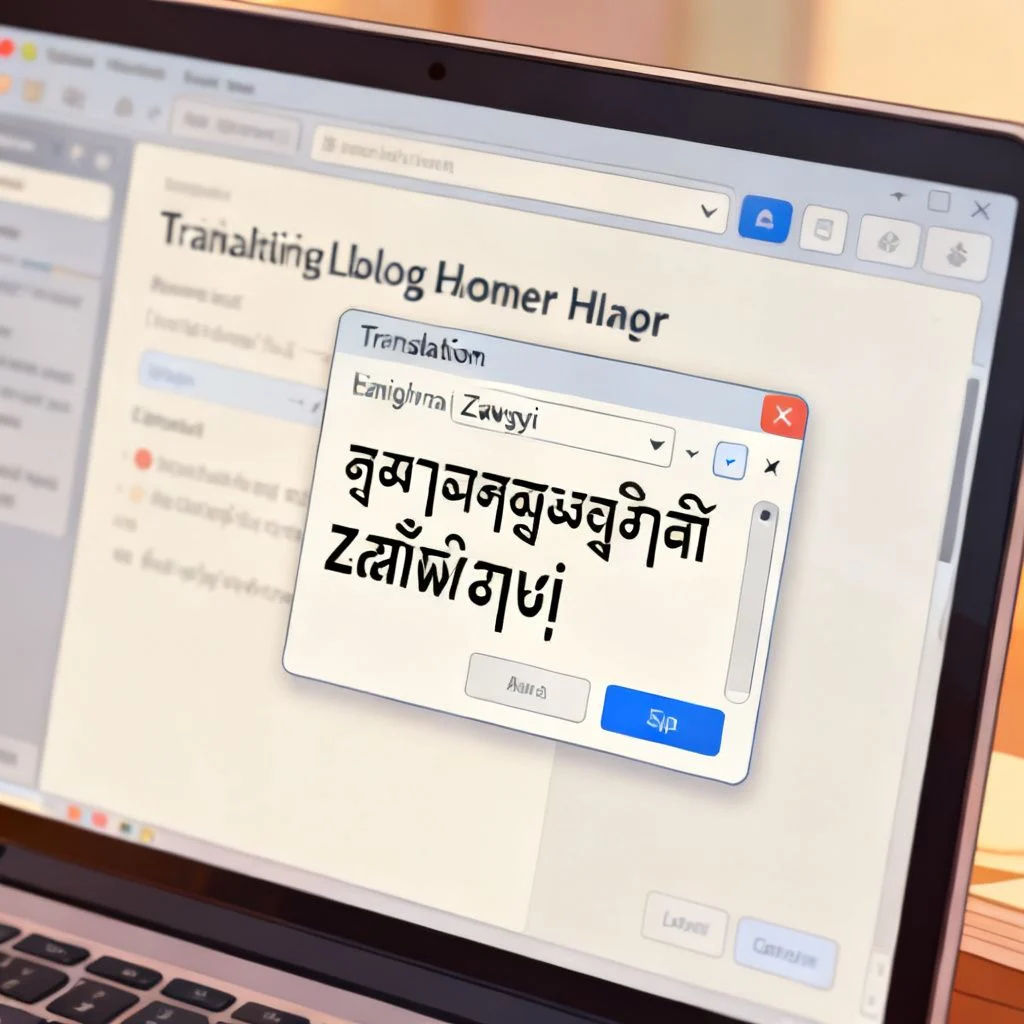
The Two Step Process: Translate, Then Convert
There is no reliable tool that translates English directly into Zawgyi in one click. You must break the task into two distinct phases.
Step 1: Translate English to Burmese (Unicode)
Start with the translation. Google Translate is the most accessible option for long sentences. For single words or phrases, a dedicated dictionary often gives better context.
- Open Google Translate.
- Set the source language to English.
- Set the target language to Burmese.
- Type or paste your English text.
- Copy the resulting Burmese script. This output is in Unicode.
The translation quality here is generally good for everyday sentences. For technical, medical, or legal content, you will want a human translator to review the output. Machine translation can miss the nuance of formal Burmese.
Step 2: Convert Unicode to Zawgyi
Now that you have the Unicode text, you need to change the encoding.
- Go to a dedicated converter. The Rabbit Converter is the most famous and reliable. You can find it by searching “Rabbit Converter Zawgyi.”
- Paste your Unicode Burmese text into the input box.
- Click the convert button.
- Copy the output. This text is now in Zawgyi encoding.
Pro Tip: Always test your Zawgyi output. Paste it into a Facebook comment box or a chat window on a device that has Zawgyi installed. If it looks correct there, you are good to go.
Comparing Your Conversion Options
Not all methods for handling Zawgyi text are equal. Here is a breakdown of what you might encounter.
| Method | Input | Output | Ease of Use | Reliability |
|---|---|---|---|---|
| Google Translate Only | English | Unicode Burmese | High | High for translation, fails for Zawgyi |
| Google Translate + Rabbit Converter | English | Zawgyi Burmese | Medium | High (recommended) |
| Dedicated Zawgyi Keyboard | English (typing) | Zawgyi Burmese | Low | Low (prone to spelling errors) |
| Offline Desktop Tools | Unicode Text | Zawgyi Text | Medium | Medium (depends on the tool) |
The combination of a strong translator and a dedicated converter is your most consistent path. Relying on a Zawgyi keyboard to type Burmese directly often leads to misspelled words because the layout is not intuitive for English speakers.
Common Pitfalls When Working with Zawgyi
The biggest mistake people make is mixing encodings. If you copy a paragraph that is half Unicode and half Zawgyi, it will break. The entire text block must be converted as one unit.
Another issue is font installation. You might convert the text perfectly, but if you open it on a computer that does not have the Zawgyi font installed, it will look wrong. You need to install the Zawgyi font file on your device to view the converted text correctly.
Key things to remember:
- Never mix Unicode and Zawgyi in the same text file or database field.
- Always convert the full text block at once.
- Install the font on your viewing device before checking the result.
This workflow prevents the most common encoding failures that plague cross-platform communication with Myanmar users.
Key Takeaways
- Translating to Zawgyi requires a two step process: Translate to Burmese Unicode first, then convert to Zawgyi.
- Zawgyi is non-standard encoding, which is why standard translators do not output it directly.
- The Rabbit Converter is the most reliable free tool for the Unicode to Zawgyi conversion step.
- Always test your output on a device configured for Zawgyi to ensure it displays correctly.
- For professional use, store data in Unicode and convert to Zawgyi only for specific legacy outputs.
Frequently Asked Questions About Translating English to Zawgyi
Q: Can I type directly in English and have it appear as Zawgyi in real time?
A: Yes, but with limitations. You can install a Zawgyi keyboard layout on your computer or phone. When you type, the characters map directly to Zawgyi code points. However, you are essentially typing Burmese phonetically. This is difficult if you do not know the Burmese alphabet. For most English speakers, the copy and paste conversion method is faster and more accurate.
Q: Is Zawgyi the same as Unicode?
A: No. Zawgyi is a font and encoding system that predates standardized Myanmar Unicode. It visually looks similar to Unicode Burmese, but the underlying digital data is different. Text written in Zawgyi will appear as gibberish in a Unicode system and vice versa. They are not interchangeable without a conversion tool.
Q: How do I install the Zawgyi font on my computer?
A: Download the Zawgyi font file (usually a .ttf file) from a reputable source. On Windows, right click the file and select “Install”. On Mac, double click the file and click “Install Font”. Once installed, you can select Zawgyi from your font list in applications like Word or Photoshop to view Zawgyi encoded text correctly.
Q: Why does my Burmese text look like boxes or question marks?
A: This means the device or application you are using does not have the correct font installed. If you are viewing Zawgyi text, you need the Zawgyi font. If you are viewing Unicode text, you need a Unicode Myanmar font. The boxes indicate a mismatch between the text encoding and the available fonts.
Q: What is the best free tool to convert Unicode to Zawgyi?
A: The Rabbit Converter is widely considered the best free tool for this specific task. It is a web based tool that requires no installation. You paste your Unicode text, click a button, and it outputs Zawgyi text. It also works in reverse, converting Zawgyi back to Unicode.
Q: Can Google Translate output Zawgyi font directly?
A: No. Google Translate strictly adheres to Unicode standards. It will always output standard Myanmar Unicode. You must take that output and run it through a separate converter to get Zawgyi font. There is no setting in Google Translate to change this.
Q: Is Zawgyi font still used today?
A: Yes, it is still used by a significant number of people in Myanmar, particularly on older Android devices and in specific social media communities. While Unicode adoption is growing, Zawgyi remains relevant for reaching certain demographics. Many businesses still maintain Zawgyi versions of their content for this reason.
Q: How do I convert a large document from Unicode to Zawgyi?
A: For large documents, a web based converter might be slow or unstable. You can use offline tools or text editors that support encoding conversion. Some developers use scripting languages like Python with custom mapping tables to batch convert large files. For a one time project, you can paste the text in sections into the Rabbit Converter.
References & Further Reading
- Unicode Myanmar Resources – Official documentation on the Myanmar Unicode standard.
- Google Translate – The primary tool for the English to Burmese translation step.
- Rabbit Converter – The standard tool for converting between Zawgyi and Unicode.
—
About This Article: This guide was compiled based on common encoding practices used by developers and content managers working with Myanmar language content. The recommendations focus on free, accessible tools that have proven reliable for the specific task of translating and converting English text to Zawgyi font.

Pingback: English to Arabic: A Practical Guide to Accurate Translation
Pingback: English to Nepali Translation: A Complete Guide for…
Pingback: How to Translate English to Punjabi: A Complete Step by…