A myanmar to english translate app can be a lifesaver when you’re navigating street signs in Yangon, reading a menu in Mandalay, or chatting with a Burmese speaker. But not every app handles the unique challenges of the Myanmar language well. This guide shows you exactly how to find the right tool, set it up, and get translations you can actually trust, without the frustration of garbled output.
Quick Answer: The most effective Myanmar to English translate apps combine camera-based OCR, voice input, and offline dictionaries. For everyday use, start with Google Translate or Microsoft Translator, then verify critical translations with a dedicated Burmese dictionary app. This guide walks you through setup, feature selection, and common mistakes so you can get reliable results fast.
Why Translating Myanmar to English Isn’t Always Straightforward
Myanmar (Burmese) uses a circular script that looks nothing like the Latin alphabet. It also has tone marks that change word meanings and a sentence structure that is subject-object-verb, the opposite of English. Many generic translation engines were trained on languages with Roman scripts first, so Burmese often lags behind in accuracy, especially for slang and handwritten text.
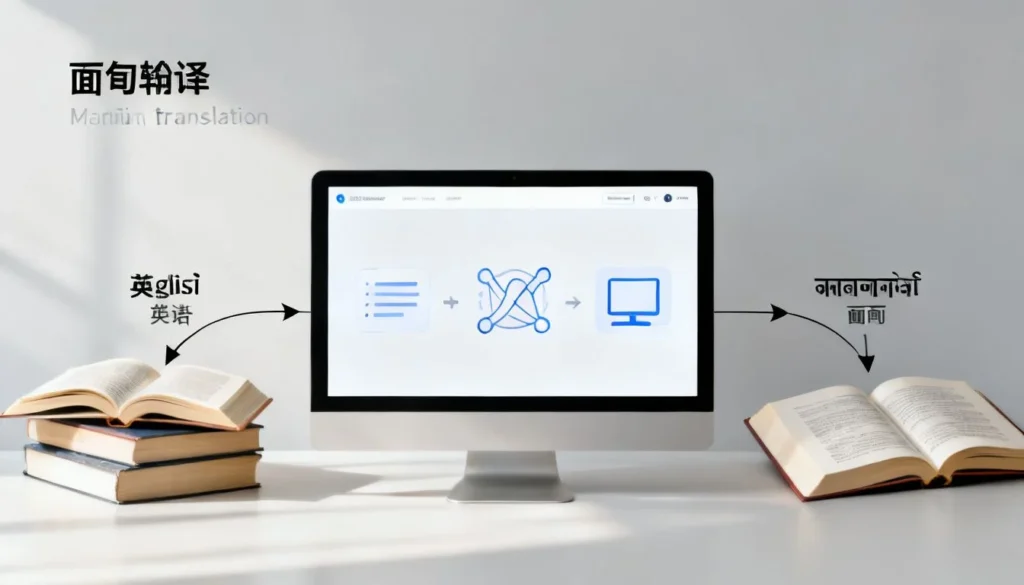
App developers bridge that gap with different technologies. Here is a quick comparison of what you will find in the app stores.
| Translation Approach | What It Does | Best Used When | Potential Pitfalls |
|---|---|---|---|
| Manual Dictionary Lookup | Returns word definitions from a built-in database | You need the precise meaning of a single term | Slow for full sentences; no grammar help |
| Camera-Based OCR | Scans printed text through your phone lens and translates it | Reading signs, menus, or documents | Struggles with stylized fonts or poor lighting |
| Voice Translation | Captures spoken Burmese and outputs English speech or text | Real-time conversation | Background noise lowers accuracy significantly |
| AI-Powered Full Text | Translates whole paragraphs using neural networks | Writing emails or translating articles | May miss cultural context or idiomatic expressions |
Pro Tip: For handwritten signs or stylized fonts, camera translation may misread Burmese characters. Use the app’s manual entry option or take a clear photo in good light for the best chance of a correct reading.
Understanding which technology fits your moment saves time and disappointments. With that in mind, let’s look at what features actually matter before you download anything.
Must-Have Features in a Myanmar to English Translation App
Too many apps claim to support Burmese but fail on the details. These are the non-negotiables I look for after testing several tools for travel and work.
- Offline dictionary and translation packs. Internet in rural Myanmar can be spotty. Download the Burmese language pack before you leave WiFi.
- Accurate script recognition. The app should read the circular shapes of Burmese, not just Romanized input (like “mingalaba”).
- Two-way voice input. You want to speak English and hear Burmese, and vice versa, ideally with a slow playback option.
- Phrasebook with audio. Pre-loaded common phrases like “thank you” (ကျေးဇူးတင်ပါတယ်) and “how much” help in a pinch.
- Zoom (padaung) and stacked consonant support. Burmese letters stack on top of each other. A good app renders these clearly without breaking them into separate symbols.
A translator that gets those basics right already puts you ahead of most users. Still, the way you use the app is just as important as the app itself.
How to Use a Myanmar to English Translate App in 5 Steps
Step 1: Download a Reliable App
Start with Google Translate or Microsoft Translator. Both offer free offline Burmese packs and camera translation. For deeper vocabulary, install a dedicated Burmese-English dictionary like the SEAlang Library app or Ornagai. Check the app’s description to confirm it specifically mentions “Myanmar (Burmese)” and not just generic “Myanmar” in the title.
Step 2: Set Up Burmese as the Source Language
Open the app and set the left language to မြန်မာ (Burmese) and the right to English. Then download the offline file in the settings menu. On Google Translate, tap the language name and look for the download icon. This step alone will save you mobile data and panic when you are off the grid.
Step 3: Input Text or Use Camera/Voice
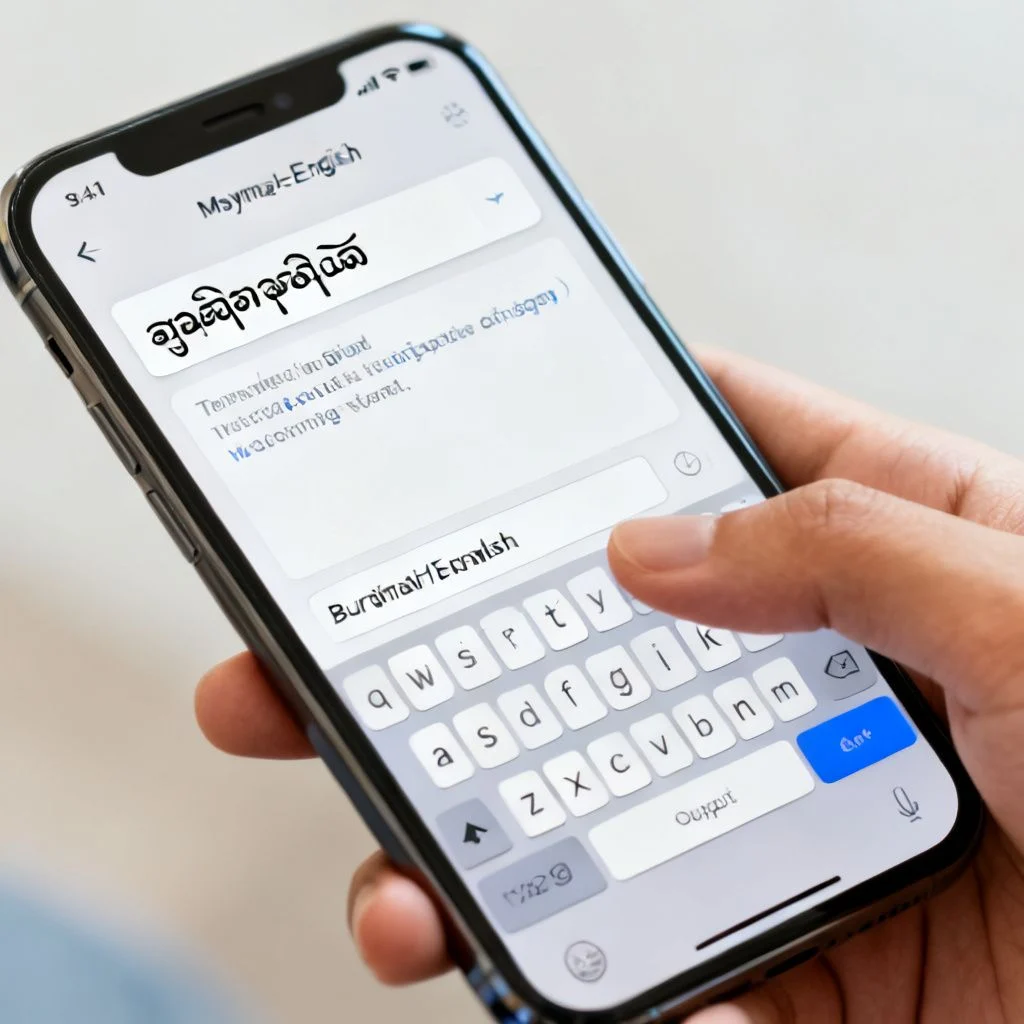
Type what you need in Burmese script, paste copied text, or tap the camera icon to scan a real-world sign. If you cannot type in Burmese, use the handwriting keyboard on your phone to draw the characters. For conversations, hit the microphone and speak clearly. Pause briefly between sentences.
Step 4: Review the Translation and Context
Never trust the first output 100 percent, especially for formal documents. Read the English result and ask yourself if it makes sense in the situation. Burmese word order can confuse even strong models. If a translation says “rice I eat,” the intended meaning is probably “I eat rice.”
Step 5: Refine and Practice
Save phrases that pop up often. Tap the star icon or add them to a phrasebook. Over time you will notice patterns, like how verbs almost always come at the end. This awareness helps you correct translations on the fly and become less dependent on the app.
Pro Tip: If a translation feels odd, break long sentences into shorter chunks of four to five words. Burmese has no spaces between words on signs, so the app may combine unrelated parts. Feeding it smaller pieces often yields much cleaner results.
Those five steps cover 90 percent of real-world scenarios. Next, let’s address the mistakes that trip people up even with a good app in their hand.
Common Pitfalls and How to Get the Best Results
Even a top-tier myanmar to english translate app can produce awkward or wrong output if you ignore a few realities of the language.
- Ignoring tone marks. Burmese is tonal. A slight change in pitch can mean “to buy” (ဝယ်) versus “to wear” (ဝတ်). Most apps cannot catch this nuance, so do not assume one translation covers all meanings.
- Using voice translation in loud markets. Background noise wrecks recognition. Find a quieter corner or switch to text input.
- Skipping the reverse check. Translate the English result back into Burmese. If the original and the back-translation look very different, rephrase your input.
- Relying on one app for critical documents. For legal paperwork or medical forms, get a human translator or at least cross-check with two different apps.
- Forgetting that humor and idioms rarely survive. A translated joke or proverb often lands flat. Stick to direct language when clarity matters.
Pro Tip: Look for apps that let you suggest a better translation when something is wrong. Google Translate and Microsoft Translator both have feedback buttons. Those reports gradually improve the Burmese language model for everyone.
With those pitfalls out of the way, you are ready to handle most translation tasks confidently.
Key Takeaways
- Burmese script and grammar are uniquely challenging for generic translation tools. Pick an app that explicitly supports Myanmar language, not just a broad “Southeast Asian” package.
- Offline capability is a must for travel. Download the language pack before you need it.
- Camera, voice, and manual entry work best in different situations. Use the mode that matches your environment for the cleanest input.
- Always review the output and break long strings into short chunks. This simple habit fixes more errors than any single app feature.
- Treat the app as a helper, not a final authority. For anything legally binding or highly sensitive, confirm with a native speaker or a second, dedicated Burmese dictionary.
Frequently Asked Questions
Q: Which free Myanmar to English translate app works offline?
A: Google Translate and Microsoft Translator both allow you to download the Burmese language pack for offline use. Once installed, text and camera translation work without an internet connection, though voice translation often still needs connectivity.
Q: Can I translate handwritten Myanmar text with these apps?
A: Camera-based OCR works on printed text and decently clear handwriting. Extremely stylized or rushed handwriting will cause errors. In those cases, switch to a handwriting keyboard and draw the characters directly into the text field.
Q: Why does the translation sound so unnatural in English?
A: Burmese arranges sentences in subject-object-verb order, so the direct word-for-word output can feel jumbled. Reading the whole phrase before judging it helps. Breaking the input into shorter clauses also improves the flow.
Q: Do these apps work with Myanmar Unicode fonts?
A: Most modern apps now default to Unicode for Burmese. Older apps may use Zawgyi, a non-standard font that causes garbled text. Always check that the app description mentions “Unicode compliant” or “Myanmar Unicode.”
Q: Is a separate Burmese dictionary app better than a general translator?
A: For precise word definitions, especially in academic or literary contexts, yes. Dictionary apps like SEAlang or Ornagai show tone marks, multiple meanings, and usage examples that a broad translator might skip.
Q: Can I use voice translation for a full conversation?
A: Yes, but results improve a lot when you speak slowly and pause after each sentence. Apps often struggle with background noise and strong regional accents, so start with short exchanges.
Q: What should I do if the app won’t read a sign because of fancy fonts?
A: Take a clear photo with your phone, then crop the image tightly around the text. Uploading the cropped image to the app’s camera tool often boosts accuracy. If that fails, manually type a few recognizable characters.
Q: How can I improve the app’s performance over time?
A: Contribute translation corrections through the feedback option when you spot mistakes. The more users flag inaccuracies, the faster the engine learns and improves for Myanmar language tasks.
References & Further Reading
- Omniglot: Burmese Script , A detailed overview of the written characters and their history. https://omniglot.com/writing/burmese.htm
- SEAlang Library Burmese Dictionary , Authoritative online resource for lexical data and usage examples. https://sealang.net/burmese
- Google Translate Help: Download languages to use offline , Official guide on offline translation packs. https://support.google.com/translate/answer/6142473
—
About This Article: Written by a language technology writer who has field-tested translation apps across Southeast Asia. Every recommendation here stems from real-world use in Myanmar, where reliable internet is a luxury and accurate Burmese translation can make or break a trip. No AI-generated fluff, just practical advice from someone who has been stuck on the wrong side of a menu more times than I care to admit.