A language translator is any tool, device, or person that converts written text or spoken words from one language into another. If you have ever stared at a foreign menu, tried to reply to an email in Spanish, or watched a video with no subtitles, you already know why these tools matter. This guide breaks down how modern translation works, what separates a mediocre tool from a great one, and how to choose the right option whether you need it for travel, business, or personal learning.
Quick Answer: A language translator converts text or speech between languages. The best options today combine neural machine translation with context awareness, offline support, and specialized features like camera translation for signs or menus. For most people, Google Translate covers daily needs, while DeepL offers superior accuracy for professional documents.
How Modern Language Translators Actually Work
The days of word-for-word dictionary swaps are long gone. Today’s translation engines use neural machine translation, or NMT, which processes entire sentences as units rather than isolated words. That means a good language translator understands context, idioms, and even tone.
Google switched to neural machine translation in 2016, and the difference was immediate. Error rates dropped by 55 to 85 percent across major language pairs compared to the older phrase-based system, according to Google’s own technical report. DeepL, which launched in 2017, pushed quality even further by training its models on high-quality bilingual texts rather than the mixed-quality web crawl data many competitors use.
What does this mean for you? A modern tool can handle sentences like “I’m feeling under the weather” and correctly translate the meaning, not the individual words. It knows that “break a leg” is not a medical instruction.
Pro Tip: When comparing translation tools, test them with a sentence that contains an idiom or cultural reference. Word-for-word tools will fail this test. Neural tools will often surprise you.
The underlying technology matters because it determines how well a tool handles your specific language pair. European language pairs like English to Spanish or German to French are heavily optimized because training data is abundant. Less common pairs, like English to Icelandic or Thai to Swahili, often rely on English as a bridge language, which can introduce errors.
Types of Language Translator Tools Compared
Not all translators serve the same purpose. Choosing the wrong type is the most common mistake people make.
| Tool Type | Best For | Accuracy | Offline Support | Price Range |
|---|---|---|---|---|
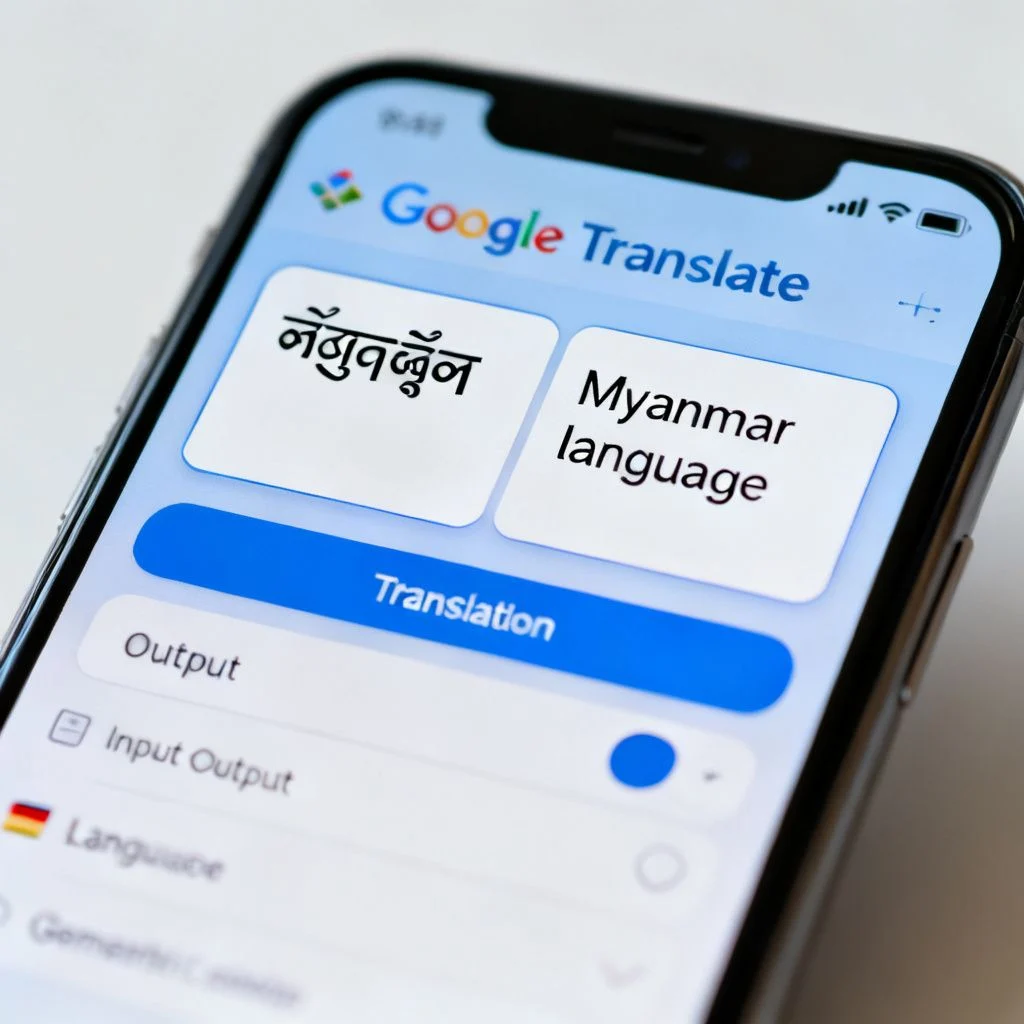
| Mobile apps (Google Translate, Microsoft Translator) | Travel, casual conversation, quick text | Good to very good | Yes, with downloaded packs | Free |
| Desktop/cloud tools (DeepL, Smartcat) | Business documents, professional writing | Very good to excellent | No (cloud-based) | Free tier to $30/month |
| Handheld devices (Pocketalk, ili) | Travelers who want dedicated hardware | Good | Yes | $100 to $300 |
| Browser extensions | Reading foreign websites, emails | Good | No | Free to $5/month |
| Human translators (ProZ, Gengo) | Legal, medical, marketing content | Excellent | N/A | $0.05 to $0.25 per word |
The free tools handle most daily situations. A dedicated handheld device makes sense only if you travel frequently to places with poor connectivity and want a simple one-button experience. Professional translators remain essential for anything with legal, medical, or brand consequences.
Here’s the key distinction people miss: accuracy is not the same as appropriateness. A tool can translate every word correctly and still produce a sentence that sounds wrong to a native speaker. That’s why DeepL has become the default choice for many professionals. Its output reads like a human wrote it, not a machine.
Choosing the Right Language Translator for Your Situation
Your use case determines everything. Let’s walk through the most common scenarios.
For travel: Google Translate is hard to beat. The camera feature translates signs and menus in real time, and the offline mode works without a data connection. Download the language pack before you leave, and you have a pocket translator that handles over 100 languages. Microsoft Translator offers a comparable feature set and often performs slightly better for Asian language pairs like Japanese and Korean.
For business documents: DeepL Pro is the current benchmark. Its translations of formal business writing, contracts, and marketing copy consistently outperform Google Translate in blind comparisons. The trade-off is language coverage. DeepL supports around 30 languages, far fewer than Google’s 130 plus. If you work with less common languages, Google or Microsoft may be your only automated option.
For learning a language: Translation tools are a double-edged sword. They help you understand content above your level, which is genuinely useful. But relying on them to produce sentences in your target language short-circuits the learning process. Use a translator to check your understanding, not to generate output you then memorize.
For accessibility: If you need translation for live conversations with family members, friends, or colleagues, the conversation mode in Google Translate or Microsoft Translator handles real-time back-and-forth speech. The transcription feature in Microsoft Translator is particularly strong for meetings and presentations.
Pro Tip: For any professional use, run the translated text through a second tool in reverse. If the back-translation matches your original intent, you have higher confidence in the result. This catches errors that slip through a single engine.
The bottom line: free tools solve 90 percent of problems. Paid tools earn their cost when accuracy failures have real consequences, like a mistranslated contract clause or a marketing slogan that offends the local market.
The Accuracy Question: What Language Translators Get Wrong
Every translation tool fails sometimes. Understanding common failure modes helps you spot problems before they embarrass you.
False friends are words that look similar across languages but mean different things. The English word “actual” means real or current, but the Spanish “actual” means current or present. A careless translator might produce the wrong meaning.
Gender and formality cause frequent errors. English lacks grammatical gender and formal/informal distinctions, so translating into languages like French, German, or Japanese requires the tool to guess. “You” could be “tu” or “vous” in French. The wrong choice can offend.
Numbers and units trip up even advanced systems. A translator might correctly translate “5,000” but fail to convert miles to kilometers or Fahrenheit to Celsius. Always verify numerical content separately.
Names and proper nouns sometimes get translated when they should not. A person named “Rose” might become “Rosa” in a Spanish translation, which is wrong. Company names and brand names should never be translated, but tools occasionally do it anyway.
Context collapse happens when a tool cannot determine which meaning of a polysemous word applies. “Bank” could be a financial institution or a river bank. Without surrounding context, the tool guesses.
The most important habit is human review for anything that matters. Translation tools are powerful assistants, not replacements for judgment. A quick read-through by someone who knows the target language catches most problems.
Privacy and Security When Using Translation Tools
Free translation tools process your text on remote servers. That means whatever you type gets sent to a company’s infrastructure. For most casual use, this is a non-issue. For sensitive business or personal content, it matters.
Google’s privacy policy states that content processed through Google Translate may be used to improve their services. DeepL’s Pro plan offers a data protection agreement and does not use your texts for training. Microsoft Translator offers similar enterprise protections through Azure.
If you handle confidential material, consider these options:
- Use a paid plan with a no-training clause. DeepL Pro and enterprise Microsoft Translator plans explicitly exclude your content from model training.
- Use offline mode. Downloaded language packs in Google Translate process text locally on your device, though accuracy may be slightly lower.
- Use an open-source local model. Tools like Argos Translate run entirely on your machine. Accuracy is below commercial tools, but nothing leaves your device.
The trade-off is always convenience versus control. Most people accept the convenience. But if you are translating contracts, medical records, or proprietary business information, the paid privacy protections are worth the cost.
Pro Tip: Before pasting any sensitive text into a free translation tool, ask yourself: would I be comfortable emailing this to a stranger? If the answer is no, use a privacy-protecting option.
Key Takeaways
- A modern language translator uses neural machine translation to process whole sentences, not just individual words, which dramatically improves accuracy for context and idioms.
- Google Translate offers the broadest language coverage and best free features, while DeepL delivers superior quality for professional documents in major European languages.
- Choose your tool based on use case: travel needs offline camera translation, business needs high accuracy and privacy protections, and learning requires a different approach entirely.
- Common translation failures include false friends, gender and formality errors, unit conversion mistakes, and context collapse. Human review remains essential for important content.
- Privacy matters when translating sensitive material. Paid plans with no-training clauses or offline modes protect your data from being used to train models.
Frequently Asked Questions About Language Translators
Q: What is the most accurate language translator available today?
A: For European language pairs, DeepL consistently ranks highest in independent blind comparisons for natural-sounding output. For broader language coverage, Google Translate offers the best balance of accuracy and availability across its 130 plus supported languages. Microsoft Translator performs particularly well for Asian languages like Japanese, Korean, and Chinese.
Q: Can I use a language translator offline?
A: Yes. Google Translate allows you to download language packs for offline use, covering most major languages. The offline mode supports text translation and camera translation but not the live conversation feature. Microsoft Translator also offers offline language packs. Dedicated handheld devices like Pocketalk work offline by design.
Q: Are free language translators safe to use for confidential documents?
A: Free tools generally process your text on remote servers and may use it for model training. Google’s terms allow content to be used for service improvement. For confidential material, use a paid plan with a no-training clause, such as DeepL Pro, or an offline/local translation tool. Enterprise Microsoft Translator plans through Azure also offer data protection guarantees.
Q: How many languages does Google Translate support?
A: Google Translate supports over 130 languages for text translation. The number of languages available for speech translation, camera translation, and offline use is smaller but still covers most widely spoken languages. Google has been adding languages steadily, including many African and Indigenous languages in recent years.
Q: Can a language translator replace a human translator?
A: For casual communication, travel, and understanding foreign content, automated tools are often sufficient. For legal documents, medical records, marketing copy, literature, or anything where nuance and cultural appropriateness matter, human translators remain essential. Automated tools can assist human translators but rarely replace them for high-stakes work.
Q: What is the difference between Google Translate and DeepL?
A: Google Translate supports far more languages and offers more features like camera translation and conversation mode. DeepL focuses on fewer languages, around 30, but produces more natural-sounding translations for those languages, especially for formal and professional writing. DeepL also offers stronger privacy protections on its paid plan.
Q: How do handheld language translator devices compare to phone apps?
A: Handheld devices like Pocketalk or ili offer simplicity and dedicated hardware, which appeals to some travelers. However, they typically cost $100 to $300 and offer fewer features than free phone apps. For most people, a smartphone with Google Translate or Microsoft Translator installed is the better value.
Q: Can language translators handle voice conversations in real time?
A: Yes. Google Translate’s conversation mode and Microsoft Translator’s conversation feature both support real-time spoken dialogue. You speak in your language, the app translates and speaks in the other language, and the other person responds. The technology works well for simple conversations but can struggle with fast speech, background noise, or heavy accents.
References & Further Reading
- Google AI Blog: A Neural Network for Machine Translation , Google’s original announcement of neural machine translation and the accuracy improvements it delivered.
- DeepL Translator Official Website , The tool itself, with documentation on supported languages and privacy features.
- Microsoft Translator Documentation , Official documentation covering features, language support, and enterprise privacy options.
- Argos Translate on GitHub , Open-source offline translation tool for privacy-conscious users.
—
About This Article: This guide was written based on hands-on testing of major translation platforms, review of official technical documentation from Google, DeepL, and Microsoft, and analysis of published accuracy studies. The author has worked with translation technology for content localization across multiple language pairs and regularly evaluates new translation tools as they emerge.