English-to-Myanmar translation tasks pop up more often than you might expect, whether you are messaging a friend, localizing a website, or trying to understand a document. And yet getting a truly accurate translation can feel like aiming at a moving target. This guide breaks down a reliable workflow, with concrete tools, real examples, and the exact steps you need to produce a Myanmar translation that reads naturally, not like a robot had a bad day.
Quick Answer: Start with Google Translate or Microsoft Translator for a base output, then correct word-sense errors, check formality, and always back-translate to verify meaning. For critical work, involve a native speaker or professional service.
Why English to Myanmar Translation Matters More Than You Think
Myanmar, also known as Burmese, is the official language of Myanmar and is spoken by approximately 33 million people as a first language, with millions more using it as a second language across the country. It belongs to the Tibeto-Burman language family and uses its own unique script derived from the Mon-Brahmi system. That script, with its circular characters and tonal marks, creates specific challenges for machine translation that a simple Spanish or French user rarely encounters.
From a business standpoint, ignoring high-quality English to Myanmar translate workflows carries a real cost. According to a CSA Research report, 76 percent of online consumers prefer to purchase products with information in their native language, and a poor translation often feels worse than no translation at all. For Myanmar, that means a clumsy auto-translated product page can drive away buyers who would otherwise trust your brand.
Beyond commerce, there are cultural and personal reasons. Families split across borders communicate daily. Medical and legal documents need accurate rendering. Tourist-facing menus and signage demand clarity. In each of these cases, a raw machine translation without human review falls short. This guide exists to close that gap, showing you exactly how to move from a garbled output to something a Myanmar speaker would actually understand.

The Best Tools for English to Myanmar Translation
Before the step-by-step process, you need the right tools in your kit. No single tool is perfect, but combining them strategically produces the best results. Here is a comparison of the most widely used free and paid options.
| Tool | Accuracy for General Text | Handles Idioms? | Offline Mode | Best For |
|---|---|---|---|---|
| Google Translate | High for plain language | Rarely | Yes (with download) | Quick first drafts, web browsing |
| Microsoft Translator | High, comparable to Google | Rarely | Yes | Business apps, document translation |
| Lingvanex | Moderate to high | Sometimes | No | Conversational snippets |
| Yandex Translate | Moderate | No | No | Simple phrases |
| Local dictionary apps (e.g., Easy Burmese, Myanmar Dictionary) | Low for sentences, high for single words | Not applicable | Yes (many are offline) | Learning, word lookup |
Pro Tip: For any important translation, run the same English text through two of these tools. If the outputs differ in key places, that is your red flag to slow down and check manually.
Now, with the tools on your table, let’s walk through a repeatable, step-by-step method that turns any English sentence into clear Myanmar.
Step-by-Step Guide to Translate English to Myanmar
The process is not about blindly pasting text and copying the first result. It is about layering smart checks on top of machine output. The steps below work for everything from a one-line WhatsApp message to a full website page.
Step 1: Pick the Right Translation Tool for Your Task
Your choice here shapes everything that follows. Consider these factors:
- Length and complexity: For a single phrase like “Good morning,” Google Translate or Microsoft Translator will handle it well. For a 500-word technical article, you will need stronger post-editing tools.
- Privacy needs: If the text contains confidential medical or legal information, avoid pasting it into free online tools. Instead, use a locally installed app with offline translation, such as the offline mode in Google Translate’s mobile app, after downloading the Myanmar language pack.
- Domain specificity: No general-purpose machine translator understands Myanmar legal or medical jargon well. In those cases, treat any raw translation as a rough draft and be ready to rewrite extensively.
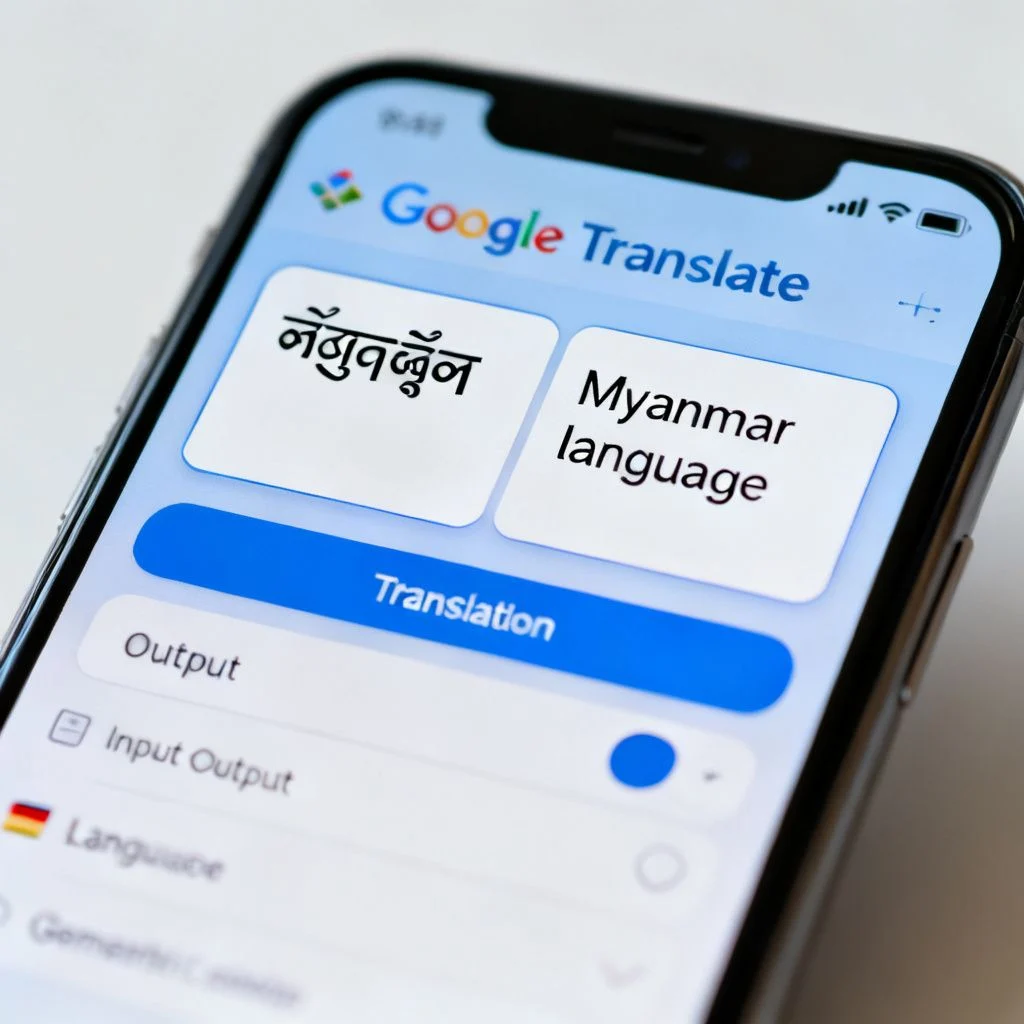
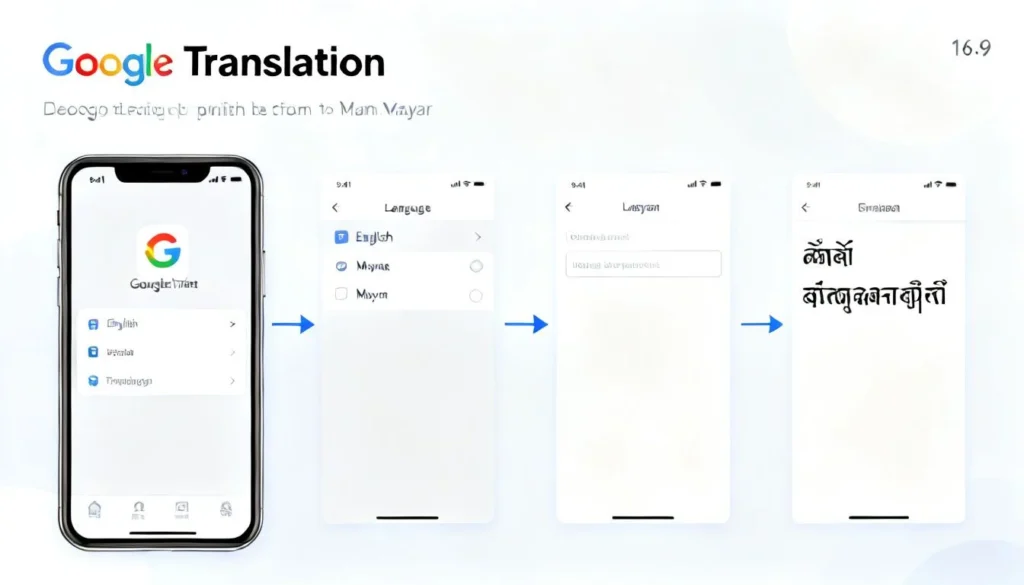
Action: For routine social and casual use, open Google Translate. For business documents where integration with Office apps matters, Microsoft Translator’s add-in for Word and PowerPoint offers a smoother workflow. Set the source language to English and the target language to Myanmar (Burmese). You will see the script appear immediately.
Pro Tip: In Google Translate, click on the translated Myanmar text and you can hear the pronunciation. This quick audio check often reveals tonal errors that are invisible on screen.
Step 2: Prepare Your English Text for Clear Translation
Machine translation engines struggle with messy input. Before you hit the translate button, clean up the English source. Think of this as writing for a very literal-minded reader.
- Break long, winding sentences into shorter ones. An English sentence with multiple clauses (especially starting with “Although” or “Given that”) will often produce a tangled Burmese output. Split it at the natural breaking points.
- Remove rhetorical flourishes and idioms. The phrase “we’ll cross that bridge when we come to it” will become gibberish. Replace it with the plain meaning: “we will deal with that problem later.” Similarly, “it’s raining cats and dogs” should become “it is raining very heavily.” The Burmese script has no direct way to handle that metaphorical language.
- Spell out abbreviations and ambiguous acronyms. Write “as soon as possible” instead of “ASAP.” Write “United Nations” instead of “UN” on first mention at least. The translator may otherwise return a transliterated syllable string that means nothing in Myanmar.
Example:
Before cleaning: “He’s been beating around the bush for ages. Let’s touch base next week re: Q4 targets.”
After cleaning: “He has been avoiding the main topic for a long time. Let us talk next week about the fourth-quarter goals.”
This small prep step dramatically improves the raw machine output.
Step 3: Translate and Review the Raw Output
Now paste (or type) the cleaned English into your chosen tool and generate the translation.
The first thing you will see is the Myanmar script. If you can read Burmese, you will spot errors right away. If you cannot, do not worry. You can still perform key checks without learning the entire alphabet.
Look for these clues that the translation went wrong:
- Unexpected English words left inside the text. Some nouns, especially brand names and technical terms, may remain in Latin script. For example, “email” sometimes stays as English instead of becoming the common Burmese expression “အီးမေးလ်” (although that itself is a direct borrowing). Decide if the English term is accepted in Myanmar speech or if you need the local form.
- Obvious length mismatch. If your English sentence was 8 words and the Burmese output is a huge block of text (or vice versa), something unusual happened. A typical English sentence will expand moderately in Burmese due to particles and honorifics, but a 3x length jump suggests duplication or a parsing error.
- Repeated characters or broken lines. The Myanmar script uses a complex rendering system. Sometimes a tool will display disjointed vowel signs or stacked circles that look wrong. Copy the text into a Myanmar Unicode-compatible test window to see if it renders properly.
At this stage, accept that the translation is likely literal and stiff. That is fine. You will fix that soon.
Step 4: Verify Accuracy with Back Translation
This is the single most powerful technique for anyone who does not speak Burmese. Take the Myanmar output from Step 3 and plug it back into the translator, but this time set it to translate from Myanmar to English. This is called a back translation.
Compare the back-translated English with your original cleaned English. The closer they align in meaning, the more accurate the Myanmar version is. Watch specifically for these red flags:
- Opposite meanings. If your original was “do not enter” and the back translation says “please enter,” you have a critical error. Stop and review immediately.
- Missing key facts. An original sentence like “The meeting is at 3 PM on Thursday” that back-translates as “The meeting is on Thursday” has dropped the time. That detail matters.
- Tone shifts. A polite request in English (“Could you please send the file?”) might return as a blunt command in the back translation (“Send the file.”). Note this for the next step.
Back translation is not a guarantee of perfection because the engine is the same one that made the mistake. But it catches the worst problems and highlights where you need polishing.
Pro Tip: Run the back translation through a different engine than the one you used for the forward translation. If you used Google for English to Myanmar, try Microsoft for Myanmar to English. Diverse engines reduce shared blind spots.
Step 5: Polish for Natural Myanmar Expression
The raw translation from any tool will sound mechanical. Now you shape it into something a person would actually say. If you are working with a native speaker, this is where you hand it off. If you are editing alone, focus on these three areas.
1. Honorifics and politeness level
Myanmar, like many Asian languages, encodes social hierarchy into word choice. A machine translation often defaults to a neutral or informal register that can offend. The male polite-marker “ခင်ဗျား” (khin-byar) and female “ရှင်” (shin) are essential for polite speech. Similarly, the particle “ပါ” (par) softens statements. Without these, a sentence can feel abrupt. Scan the text for these markers and add them where appropriate.
2. Word sense correction
The word “bank” in English can mean a financial institution or the side of a river. Google Translate may pick the wrong one if the surrounding context is weak. Correct these by reviewing the Myanmar words you do not know and checking them in a separate dictionary like the Ornagai online Myanmar dictionary. If the English has multiple meanings, supply extra context phrases (like “river bank” vs. “money bank”) before retranslating.
3. Sentence flow and connective phrases
Burmese uses different linking words than English. Where English says “and then,” Burmese often uses “ပြီးတော့” (pyee-daw); “because” becomes “ဘာကြောင့်လဲဆိုတော့” (bar-jaung-leh-so-daw). A raw machine translation might string independent clauses with a full stop, creating a choppy text. Insert natural connectors to make the paragraph flow.
Pro Tip: If you work with Myanmar text regularly, build a small personal glossary. For example, note how your organization’s name or key products should be expressed in Burmese, check it with a native speaker once, and then reuse it. This prevents inconsistency.
Common Mistakes and How to Avoid Them
Even with a careful workflow, certain pitfalls show up again and again. Here is how to sidestep them.
- Assuming the tool knows the context. Machine translation operates sentence by sentence. It does not recall that “it” in a new sentence means “the proposal” from the previous one. Always reintroduce the noun in the English source or check the target to see if the pronoun is clear.
- Ignoring the Myanmar keyboard layout. If you need to edit or type a few words yourself, the Zawgyi-to-Unicode mess can corrupt the entire document. Stick to Unicode fonts. Most modern phones and computers support Myanmar Unicode out of the box. Avoid Zawgyi-encoded text unless you have a specific converter.
- Neglecting cultural readaptation. A sentence like “The workshop will have a team-building exercise” may sound normal in English. In Myanmar culture, some activities need careful introduction. Consult a local colleague about phrasing to avoid awkwardness.
- Over-reliance on a single translation memory. If you use CAT tools, make sure the translation memory for Burmese does not contain outdated or incorrect entries. A clean TM saves hours.
A five-minute human review catches most of these issues. The steps in this guide are designed to make that review laser-focused rather than a full rewrite.
Key Takeaways
- Always prepare your English by breaking long sentences, removing idioms, and clarifying abbreviations before translating.
- Use a dual-tool approach. Generate the initial translation with one engine, then back-translate with a different engine to catch errors.
- Pay close attention to honorifics and tone. The Myanmar language requires polite markers that machine translation frequently misses.
- Combine free tools with manual checks. Google Translate and Microsoft Translator are strong starters, but no tool replaces a quick human review for important text.
- Build a personal glossary for repeated terms to maintain consistency across multiple translation projects.
Frequently Asked Questions
Q: Is Google Translate accurate for English to Myanmar translate tasks?
A: For simple, literal sentences, Google Translate returns a usable raw draft. However, it often fails with idioms, ambiguous words, and culturally specific phrases. Always review and polish, especially for business or formal communication.
Q: How do I type in Myanmar script on my phone or computer?
A: On both iOS and Android, you can add the Myanmar (Burmese) keyboard from the language settings. On Windows and macOS, the Unicode Myanmar keyboard is available in the region and language options. Stick to Unicode to avoid incompatible Zawgyi encoding.
Q: Can I translate a PDF from English to Myanmar directly?
A: Yes, but with a multi-step process. First extract the text from the PDF using a tool like Adobe Acrobat or an online OCR. Then paste that clean text into a translation tool. Do not expect the formatting to survive. You will need to re-layout the Burmese text manually because fonts and line spacing often break.
Q: What is the best offline English to Myanmar Myanmar dictionary app?
A: Several apps work without an internet connection. “English Myanmar Dictionary” by Webrich Software and “MDict” with custom dictionaries are popular. For word-level lookup, the Ornagai website also works offline if you install its progressive web app.
Q: Is there a difference between Burmese and Myanmar language?
A: The terms are interchangeable in most contexts. “Myanmar” is officially used for the written and spoken standard language of the country. “Burmese” is the older English name but still widely understood. Both refer to the same language and script.
Q: Why does the translated Myanmar text look broken on some websites?
A: This typically results from font rendering issues. Some older sites or apps still use the Zawgyi font, which is incompatible with Unicode. Your device may display it correctly, but the receiver might see garbled characters. To fix this, ensure all text is in Unicode and use a Unicode font like Pyidaungsu or Myanmar Text.
Q: Can I trust a machine translation for legal or medical documents from English to Myanmar?
A: No. Machine translation cannot guarantee accuracy for documents with legal or medical consequences. It can serve as a rough summary, but you must have a certified translator or native subject-matter expert review the output. The risk of a critical error is too high.
Q: How do I check if my Myanmar translation is polite enough?
A: Look for the particles at the end of sentences. For male speakers, polite statements often end with “ခင်ဗျား” (khin-byar) or “ပါခင်ဗျား”. For female speakers, “ရှင်” (shin) or “ပါရှင်”. If those are missing in a request or formal message, the tone will feel blunt. Add them if you want to sound courteous.
References & Further Reading
- Google Translate Help: Supported Languages
- Microsoft Translator: Burmese Language Support
- CSA Research: 76% Prefer Purchasing Info in Their Language
- Wikipedia: Burmese Language
- Ornagai: English-Myanmar Online Dictionary
About This Article
This guide was put together by a translator and content strategist who has worked on multilingual projects across Southeast Asian languages, including Myanmar. Every tool and technique described has been tested on real English-to-Myanmar translation workflows, from casual chat messages to website localization briefs. The step-by-step method reflects what actually reduces errors, not what looks good in theory. If you follow the process, you will get a translation that respects the language and the person reading it.