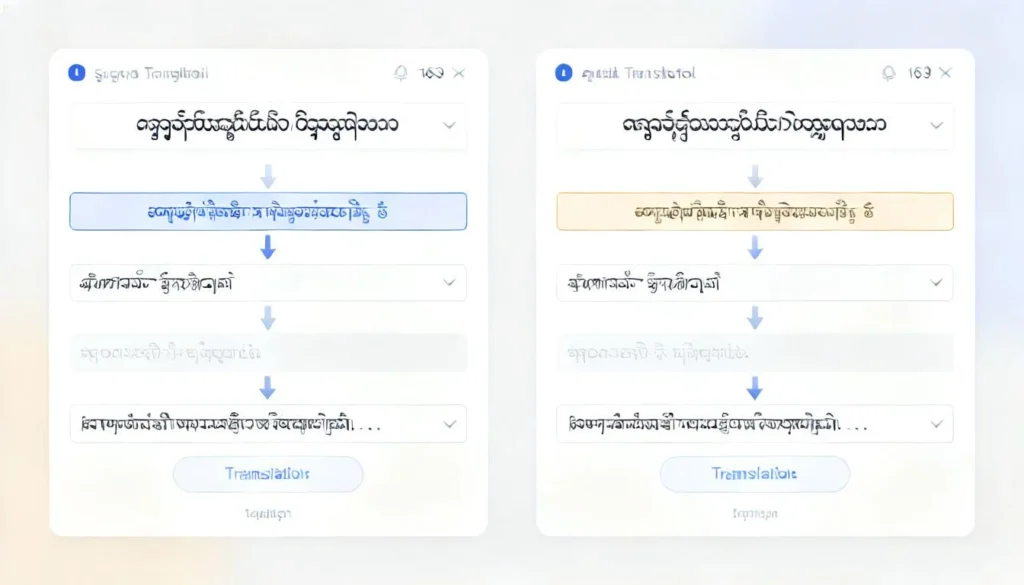
If you need to burmese translate a document, a conversation, or even just a menu, you have probably already discovered that this is not like translating Spanish or French. Burmese, also known as Myanmar language, uses a completely different script, has a tonal system, and behaves differently depending on whether you are dealing with formal writing or casual speech. The good news is that the tools and methods have improved dramatically in the last few years.
Quick Answer: For most casual needs, Google Translate and Microsoft Translator handle basic burmese translate tasks acceptably. But for anything official, medical, legal, or business-related, you need a professional human translator who understands regional dialects and cultural context.
This guide breaks down the exact process, the best tools for different scenarios, and the mistakes that make translations sound robotic or just plain wrong.
Why Burmese Translation Is Harder Than You Think
Burmese is the official language of Myanmar and is spoken by roughly 33 million people as a first language, with millions more speaking it as a second language across the region. The script is derived from the Mon script, which itself traces back to the Brahmi script of ancient India.
The first thing that throws people off is the writing system. Burmese script is circular, written left to right, and contains 33 consonants and 12 vowels. There are no spaces between words in formal written Burmese. Spaces are used to mark pauses or the end of phrases. That single fact breaks a lot of machine translation systems, because they have to guess where one word ends and the next begins.
Tone is another major hurdle. Burmese is a tonal language with four distinct tones: creaky, low, high, and stopped. A word like “sa” can mean letter, eat, start, or salty depending entirely on the tone. Written Burmese does mark tones, but casual text messages and social media posts often drop those marks, making automated translation guesswork.
There is also a massive gap between formal written Burmese and colloquial spoken Burmese. The formal register is used in news, government documents, and literature. The colloquial register is what people actually speak at home and in markets. Many translation tools are trained on formal text, which means they produce stilted, unnatural output when you need conversational language.

Best Tools for Burmese Translate in 2025
The tool you pick should depend on what you are translating and why. Here is a breakdown of the main options, their strengths, and their weak spots.
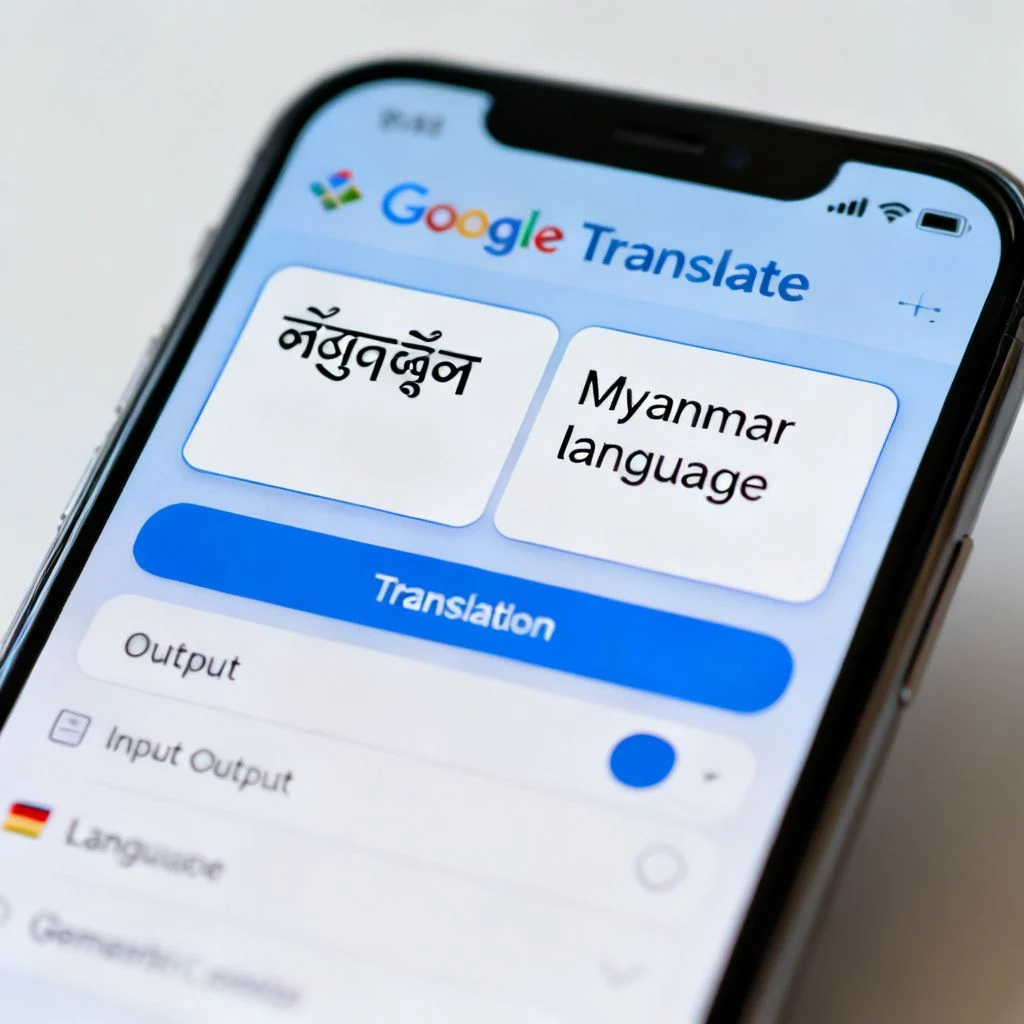
Google Translate
Google Translate added Burmese support in 2014, and the quality has improved significantly since then. It now uses neural machine translation, which means it looks at whole sentences for context rather than translating word by word.
Strengths:
- Free and instant
- Handles both formal and some colloquial text
- Camera translation works on menus and signs
- Voice input for spoken Burmese
Weaknesses:
- Struggles with tones when transliterating
- Produces awkward English for complex sentences
- No offline support for Burmese in the mobile app without downloading the language pack
Microsoft Translator
Microsoft Translator supports Burmese across its web, mobile, and API products. It is particularly useful for business settings because it integrates directly with Microsoft Office, Teams, and Edge.
Strengths:
- Strong integration with Office apps
- Real-time conversation mode for two people speaking different languages
- Decent handling of formal Burmese text
Weaknesses:
- Less accurate than Google for colloquial phrases
- Limited dialect support
- Transliteration quality is inconsistent
Professional Human Translation Services
For anything that has legal, medical, or financial consequences, you need a human translator. Services like Gengo, TransPerfect, and Stepes all offer Burmese translation with native speakers.
Strengths:
- Native-level accuracy
- Cultural context and tone handled properly
- Certification available for official documents
Weaknesses:
- Costs money (usually $0.10 to $0.25 per word)
- Slower turnaround (hours to days, not seconds)
- Quality varies by translator
Comparison Table: Burmese Translation Options
| Tool / Service | Cost | Speed | Accuracy (Formal) | Accuracy (Colloquial) | Best For |
|---|---|---|---|---|---|
| Google Translate | Free | Instant | Good | Fair | Casual use, travel, menus |
| Microsoft Translator | Free | Instant | Good | Fair | Office documents, business |
| Gengo | Paid | Hours to days | Excellent | Excellent | Official documents, websites |
| Stepes | Paid | Hours to days | Excellent | Excellent | Medical, legal, technical |
| Local Myanmar translator | Paid | Days | Excellent | Excellent | Cultural nuance, marketing |
Pro Tip: If you are translating a website or app into Burmese, do not rely on machine translation alone. Run the output past a native speaker for a “transcreation” pass. Literal translations often miss idioms and cultural cues that make or break user trust.
Step-by-Step: How to Burmese Translate Effectively
Translation is not a one-click process if you want results that actually make sense. Here is a workflow that works for most people.
Step 1: Identify the Register
Ask yourself: is this formal or informal? A legal contract is formal. A text message to a friend is informal. A product description is somewhere in between. Knowing this upfront tells you which tools and which word choices to use.
Step 2: Choose the Right Tool
Based on the table above, pick the tool that matches your need. For casual text, Google Translate is fine. For business documents, Microsoft Translator or a human service is better. For anything with legal weight, go human.
Step 3: Pre-Edit Your Source Text
Before you feed text into any machine translator, clean it up. Remove slang, idioms, and ambiguous pronouns. Break long sentences into shorter ones. The cleaner the input, the cleaner the output.
Step 4: Translate
Run the translation. If you are using a machine tool, translate in both directions as a sanity check. Take the Burmese output and translate it back to English. If the meaning changed, you have a problem.
Step 5: Post-Edit for Tone and Context
Machine translation rarely gets tone right. Read the output and ask: does this sound like how a Burmese speaker would actually say this? If not, adjust. If you do not speak Burmese, this is where a native reviewer becomes essential.
Step 6: Verify with a Native Speaker (When It Matters)
For anything public-facing or high-stakes, have a native Burmese speaker review the final output. This is not optional for medical instructions, legal documents, or marketing copy.
Pro Tip: When translating into Burmese for a Myanmar audience, remember that many people also use Zawgyi font rather than standard Unicode. If your target audience is inside Myanmar, you may need to convert your text to Zawgyi. If your audience is international Burmese speakers, Unicode is the safer choice.
Common Burmese Translation Mistakes to Avoid
Even with good tools, certain errors show up again and again. Here are the big ones.
Mistake 1: Ignoring Tone Marks
Burmese tone marks are not decorative. Dropping them changes meaning completely. If you are typing Burmese yourself, make sure you are using the correct tone marks. If you are using a translation tool, double-check that the output includes them.
Mistake 2: Mixing Formal and Colloquial Registers
A common error is translating a formal document with casual language or vice versa. This happens when you feed a machine translator a mix of both. Keep your source text consistent.
Mistake 3: Translating Names Literally
Burmese names do not translate. A person named “Aung San Suu Kyi” stays “Aung San Suu Kyi.” A place like “Mandalay” stays “Mandalay.” Machine translators sometimes try to “translate” these into something else, which is always wrong.
Mistake 4: Forgetting About Zawgyi vs. Unicode
Myanmar has had a long-running font war between Zawgyi and Unicode. Zawgyi is an older, non-standard encoding that many people inside Myanmar still use. Unicode is the international standard. If you send Unicode text to someone using Zawgyi, it will display as garbled symbols. This is a practical problem that trips up people outside Myanmar constantly.
Mistake 5: Assuming One Dialect Fits All
Burmese has regional dialects, including Rakhine, Dawei, and Myeik. Standard Burmese is understood everywhere, but if you are targeting a specific region, local dialect matters. Machine translation tools do not handle these dialects well at all.
When to Use Human Translation vs. Machine Translation
This is the decision that matters most. Here is a simple rule.
Use machine translation when:
- You need a rough understanding of what something says
- You are traveling and need to read a sign or menu
- You are communicating casually with someone in real time
- The stakes are low and speed matters more than accuracy
Use human translation when:
- The document is legal, medical, or financial
- The content will be published publicly
- You are translating marketing or brand messaging
- Tone, nuance, and cultural context matter
- A mistake could cost money, reputation, or safety
The cost difference is real. Machine translation is free. Human translation runs $0.10 to $0.25 per word for Burmese, which means a 1,000-word document costs somewhere between $100 and $250. That sounds like a lot until you consider what a mistranslated contract or medical instruction could cost.
Key Takeaways
- Burmese translation is uniquely difficult due to the script, tone system, and formal/colloquial divide
- Google Translate and Microsoft Translator are good enough for casual use but struggle with tone and colloquial language
- Human translation is essential for legal, medical, and public-facing content
- The Zawgyi vs. Unicode font issue is a practical problem that affects how your text displays in Myanmar
- Always post-edit machine translation output and verify with a native speaker when the stakes are high
Frequently Asked Questions About Burmese Translate
Q: Is Google Translate accurate for Burmese?
A: Google Translate is reasonably accurate for simple, formal Burmese text. It handles basic sentences, common phrases, and straightforward documents well. However, it struggles with colloquial speech, tonal distinctions, and complex sentence structures. For casual understanding, it is fine. For anything official, use a human translator.
Q: How do I translate a Burmese PDF into English?
A: The most reliable method is to extract the text from the PDF first using a tool like Adobe Acrobat or an online PDF-to-text converter, then run that text through Google Translate or Microsoft Translator. If the PDF is a scanned image, you will need OCR (optical character recognition) software that supports Burmese script. Google Drive’s built-in OCR does support Burmese.
Q: What is the difference between Burmese and Myanmar language?
A: Burmese and Myanmar language refer to the same language. “Burmese” is the English name, while “Myanmar” is the official name used by the government and many international organizations. The language is called “Myanmar” (မြန်မာစာ) in Burmese itself. There is no difference in meaning.
Q: Can I translate Burmese voice to English in real time?
A: Yes, both Google Translate and Microsoft Translator offer real-time voice translation for Burmese. Google Translate has a conversation mode that lets two people speak back and forth. Microsoft Translator has a similar feature. Accuracy is lower for voice than for text because of background noise and tonal variation.
Q: Why does Burmese text show up as boxes or symbols on my computer?
A: This is almost always the Zawgyi vs. Unicode issue. If the text was typed in Zawgyi font and your system is set to Unicode, it will display incorrectly. You can fix this by installing both fonts or using an online converter to switch between Zawgyi and Unicode encoding.
Q: How much does professional Burmese translation cost?
A: Professional Burmese translation typically costs between $0.10 and $0.25 per word, depending on the complexity of the text and the turnaround time. A 1,000-word document would cost roughly $100 to $250. Certified translations for official use may cost more.
Q: Is there an offline Burmese translator?
A: Google Translate offers offline translation for Burmese if you download the language pack in the mobile app. Microsoft Translator also supports offline Burmese on its mobile apps. Offline accuracy is generally lower than online accuracy because the offline models are smaller.
Q: What is the best way to translate a Burmese website into English?
A: For a quick read, use the built-in translation feature in Chrome or Microsoft Edge, which both support Burmese. For a full website localization, you need a professional service. Machine translation of websites produces awkward phrasing and misses cultural context that affects user experience.
References & Further Reading
- Ethnologue: Burmese Language Profile , Detailed linguistic data on Burmese speakers, dialects, and language status.
- Google Translate Help: Supported Languages , Official documentation on Burmese support in Google Translate.
- Microsoft Translator: Language Support , Official list of supported languages and features for Microsoft Translator.
- Unicode Consortium: Myanmar Script , The official Unicode standard for Burmese script, including tone marks and character encoding.
- Myanmar Language Commission , Official government body responsible for standardizing the Burmese language.
—
About This Article: This guide was written based on practical experience with Burmese translation tools and research into the linguistic challenges of the Myanmar language. The recommendations reflect current tool capabilities as of early 2025 and are intended to help readers make informed decisions about when to use machine translation and when to invest in human expertise.