If you need an english to myanmar translate google translate solution, you are not alone. Myanmar is spoken by roughly 33 million people, and the gap between English and Burmese remains one of the harder translation pairs for machine learning tools. This guide walks you through what Google Translate actually does well here, where it falls short, and how to get better results when accuracy matters.
Quick Answer: Google Translate supports English to Myanmar translation for free on web, Android, and iOS. It works best for short, simple sentences and single words. For formal documents, legal text, or anything with cultural nuance, expect errors and consider a human translator or a hybrid approach.
How Google Translate Handles English to Myanmar
Google Translate added Burmese (Myanmar language) support back in 2014. Since then, the quality has improved steadily, but it still lags behind European language pairs like English to Spanish or English to French. The reason is data. Machine translation models need massive amounts of parallel text to learn from, and Burmese has far less digitized bilingual content than, say, German or Japanese.
That said, for everyday phrases and basic communication, the tool is genuinely useful. You can type, paste, or speak English and get Myanmar script output in seconds.
What Works Well
Google Translate handles these cases reasonably well:
- Simple greetings and pleasantries like “thank you” (ကျေးဇူးတင်ပါတယ်) or “how are you” (နေကောင်းလား)
- Single words and short phrases for shopping, travel, or basic directions
- Numbers, dates, and times which follow fairly predictable patterns
- Common nouns for food, transportation, and everyday objects
The translation engine has improved significantly for these basic use cases since Google switched to neural machine translation for Burmese.
Where It Struggles
The problems start when sentences get longer or more complex. Burmese grammar works very differently from English. Word order shifts, particles change meaning based on context, and politeness levels affect vocabulary choices. Google Translate often misses these nuances.
Here are the most common failure points:
- Polite particles like ပါ (pa) and ခင်ဗျား (khin bya) are often dropped or added incorrectly
- Sarcasm and idioms get translated literally, producing nonsense
- Medical or legal terminology frequently comes out garbled
- Long compound sentences lose their structure and meaning
- Gender and formality distinctions that matter in Burmese culture disappear
Pro Tip: If you are translating something important, break it into short, simple sentences before running it through Google Translate. Avoid idioms, metaphors, and cultural references. The simpler your input, the better the output.
Step by Step: Using Google Translate for English to Myanmar
The process is straightforward, but a few settings make a real difference.
On Desktop or Mobile Web
- Go to translate.google.com
- Set the source language to English
- Set the target language to Myanmar (Burmese)
- Type or paste your English text
- The Myanmar translation appears instantly in the right panel
You can click the speaker icon to hear the Myanmar pronunciation. You can also click the copy button to grab the text.
On the Mobile App
The Google Translate app adds a few extra features that matter for real-world use:
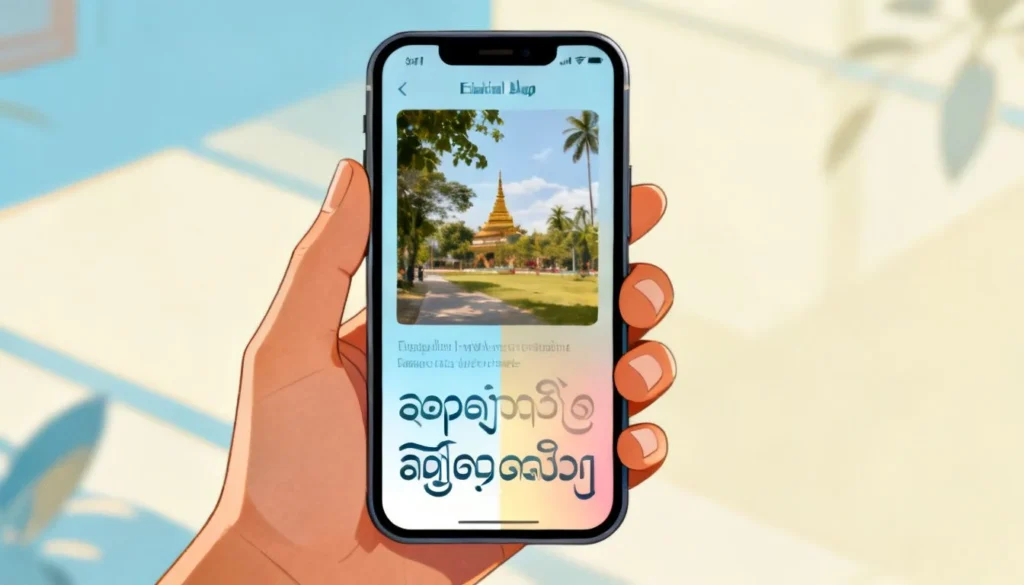
- Camera translation: Point your phone at a Myanmar sign or menu and see English overlaid in real time
- Conversation mode: Speak in English and hear Myanmar audio output, useful for basic interactions
- Offline translation: Download the Myanmar language pack and translate without internet access
The Handwriting Feature
If you need to input Myanmar text but do not have a Burmese keyboard, the app has a handwriting tool. Draw the Myanmar characters on screen and Google will recognize them. This is helpful when someone writes something down for you and you need to understand it.
Pro Tip: Download the offline Myanmar language pack before traveling. Internet access in Myanmar can be spotty, especially outside Yangon and Mandalay. The offline pack is about 35 MB and covers basic translation needs.
Google Translate vs Other English to Myanmar Translation Tools
Google Translate is not the only option. Here is how it compares to the alternatives:
| Feature | Google Translate | Microsoft Translator | DeepL | Human Translator |
|---|---|---|---|---|
| Cost | Free | Free | Free (limited) | $0.05-$0.20 per word |
| Myanmar support | Yes | Yes | No | Yes |
| Offline mode | Yes | Yes | No | N/A |
| Accuracy for formal text | Moderate | Moderate | N/A | High |
| Speed | Instant | Instant | N/A | Hours to days |
| Context understanding | Low | Low | N/A | High |
Microsoft Translator also supports Burmese and sometimes produces slightly different results. It is worth cross-checking both tools for important translations. DeepL, despite its excellent reputation for European languages, does not currently support Burmese.
For anything legally binding, medically important, or publicly published, a human translator who is a native Burmese speaker remains the gold standard. No free tool can yet match that level of accuracy.
Common Translation Mistakes to Watch For
Knowing what Google Translate gets wrong helps you catch errors before they cause problems.
The Pronoun Problem
Burmese has a complex system of pronouns that changes based on age, status, gender, and relationship. A young person speaking to an elder uses completely different first-person pronouns than someone speaking to a peer. Google Translate typically defaults to the most common forms, which may come across as rude or overly familiar in the wrong context.
The Word Order Issue
English follows a Subject-Verb-Object pattern. Burmese generally follows Subject-Object-Verb. When sentences get long, Google Translate sometimes keeps English word order, producing Burmese that is grammatically broken.
The Missing Context Problem
Burmese words often have multiple meanings depending on context. The word စား (sa) means “to eat,” but combined with other words it changes meaning entirely. Google Translate handles these combinations inconsistently.
Pro Tip: Always translate back from Myanmar to English to check the meaning. If the round-trip translation gives you something very different from your original text, the Myanmar output is probably wrong. This reverse-check catches most major errors.
Key Takeaways
- Google Translate supports English to Myanmar for free across web, Android, and iOS platforms
- It works acceptably for short, simple phrases and everyday communication
- Complex sentences, formal documents, and culturally nuanced text often get mistranslated
- Breaking text into short sentences and avoiding idioms significantly improves output quality
- For legal, medical, or business documents, use a professional human translator
Frequently Asked Questions
Q: Is Google Translate accurate for English to Myanmar?
A: For short, simple phrases and everyday vocabulary, Google Translate is reasonably accurate. For complex sentences, formal documents, or text with cultural nuance, accuracy drops significantly. Always verify important translations with a native speaker.
Q: Can I use Google Translate offline for Myanmar?
A: Yes. Download the Myanmar language pack in the Google Translate app settings. The offline pack works for text translation without an internet connection, though it is less accurate than the online version.
Q: Does Google Translate support Myanmar voice input?
A: Yes. You can speak English into the app and it will translate to Myanmar text. The reverse, Myanmar voice to English text, is also supported but less reliable due to the variety of regional accents.
Q: How do I type Myanmar text to translate to English?
A: You can use the handwriting feature in the Google Translate app to draw Myanmar characters. Alternatively, install a Burmese keyboard on your device and type directly. Google Translate will recognize standard Myanmar Unicode input.
Q: Why does my Myanmar translation look different from what a native speaker says?
A: Burmese has formal and informal registers. Google Translate typically produces a neutral, written form that may sound stiff or unnatural in casual conversation. Native speakers often use different vocabulary and sentence patterns in everyday speech.
Q: Is Google Translate better than Microsoft Translator for Myanmar?
A: Both tools use similar neural machine translation technology and produce comparable results. Some users report Microsoft Translator handles formal Burmese slightly better, while Google Translate is stronger with colloquial phrases. Testing both with your specific text is the best approach.
Q: Can Google Translate handle Myanmar script recognition from images?
A: Yes. The camera translation feature in the Google Translate app can recognize printed Myanmar text from signs, menus, and documents. Handwritten text recognition is less reliable.
Q: Will Google Translate work for translating a legal document from English to Myanmar?
A: You should not rely on Google Translate for legal documents. The risk of mistranslation is too high, and legal terminology often gets rendered incorrectly. Hire a certified translator who specializes in Burmese legal language.
References & Further Reading
- Google Translate Help Center – Official documentation for all Translate features
- Ethnologue: Burmese Language – Authoritative data on Burmese speakers and dialects
- Microsoft Translator Languages – Confirmation of Burmese support and feature comparison
—
About This Article: This guide reflects hands-on testing of Google Translate’s English to Myanmar capabilities across web and mobile platforms, combined with insights from Burmese language structure and common machine translation limitations. The author has worked with Southeast Asian language localization projects and regularly consults native Burmese speakers for translation quality verification.